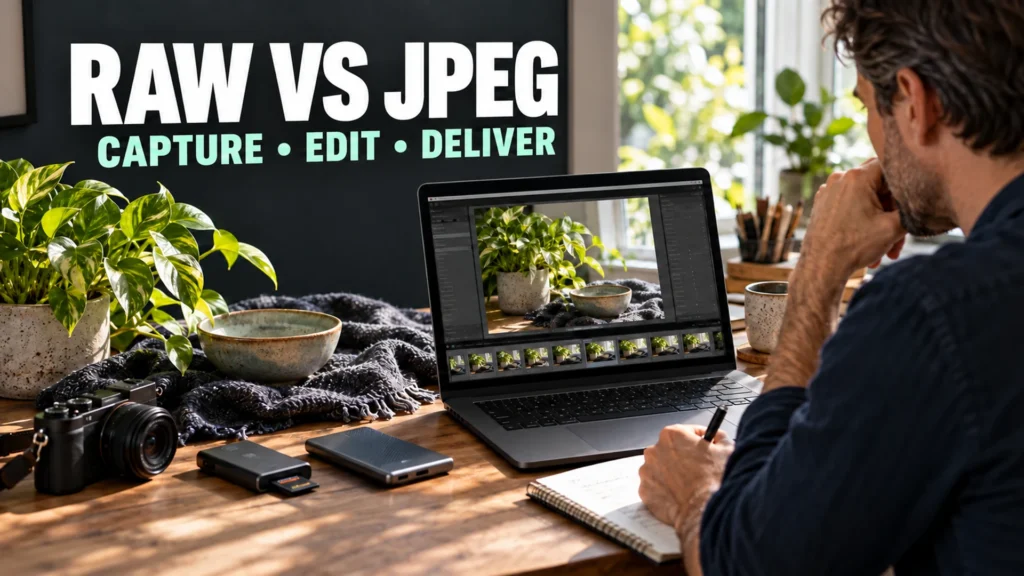
RAW vs JPEG is a workflow choice, not a test of whether you are a serious photographer. RAW usually gives you more freedom to choose the final rendering in editing. A camera JPEG is already rendered and compressed, so it can be quicker to view and deliver. The useful format is the one that fits your photograph, editing needs and deadline.
Try this before changing your camera permanently: make three matched RAW+JPEG captures, edit the pairs toward the same result, and measure their file sizes. You will see what the extra editing flexibility costs on your own equipment.
Table of Contents
1. RAW vs JPEG : What the camera saves in each format
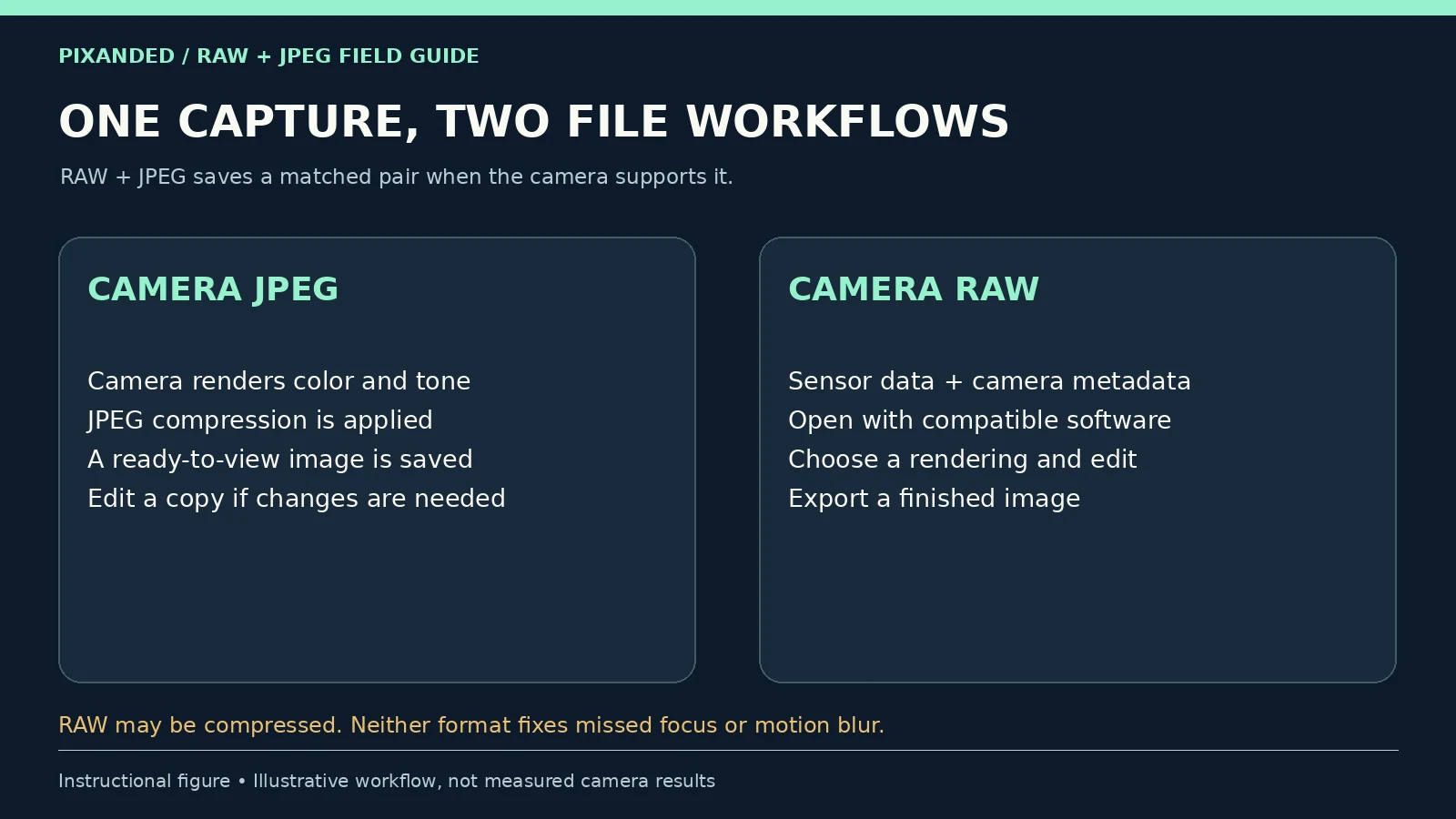
A RAW file holds camera-specific sensor data and metadata for a supported converter to interpret. It is not simply a larger finished JPEG. A converter applies choices such as white balance, tone and sharpening to produce a viewable image. A camera JPEG has already passed through the camera’s rendering pipeline and JPEG compression.
You can edit either format. With JPEG, you are changing pixels after the camera has made many rendering decisions. RAW generally leaves more of those choices available to your editor. Adobe’s Camera Raw introduction describes this distinction and how its edits preserve the original RAW data.
Do not assume every RAW file is uncompressed or entirely untouched by camera processing. Recording options differ. Nikon’s D850 documentation, for example, lists lossless compressed, compressed and uncompressed NEF recording. Check the options for your actual model rather than transferring another camera’s claims to yours.
| Format | Useful advantage | What you must account for |
|---|---|---|
| Camera JPEG | A rendered image that is widely viewable and convenient to share | Less room to revisit rendering decisions; JPEG compression is lossy |
| Camera RAW | More flexibility to create a chosen rendering in compatible software | Conversion, editing time, compatibility and storage |
| RAW+JPEG | A matched pair for immediate JPEG use and later RAW work | Two files per capture; more space and a clear file-management routine |
2. Start with the job you need the files to do
Choose JPEG when the camera’s result already meets the requirement. A quick family update, a well-lit reference photograph or an assignment requiring immediate images may not need extensive editing. Set a suitable JPEG quality and image size, and check white balance and exposure before you shoot.
Choose RAW when you expect to make meaningful rendering decisions. Examples include a mixed-light portrait, a scene with important bright and dark areas, or a carefully edited product photograph. That flexibility is useful only if you have a converter that supports the camera and enough time to complete the workflow.
Choose RAW+JPEG for this learning exercise, or for a defined dual workflow. You can inspect the camera JPEG immediately and keep the RAW for later editing. It is also reasonable to stop recording both once you know which files you use. Avoid doubling your storage indefinitely without a purpose.
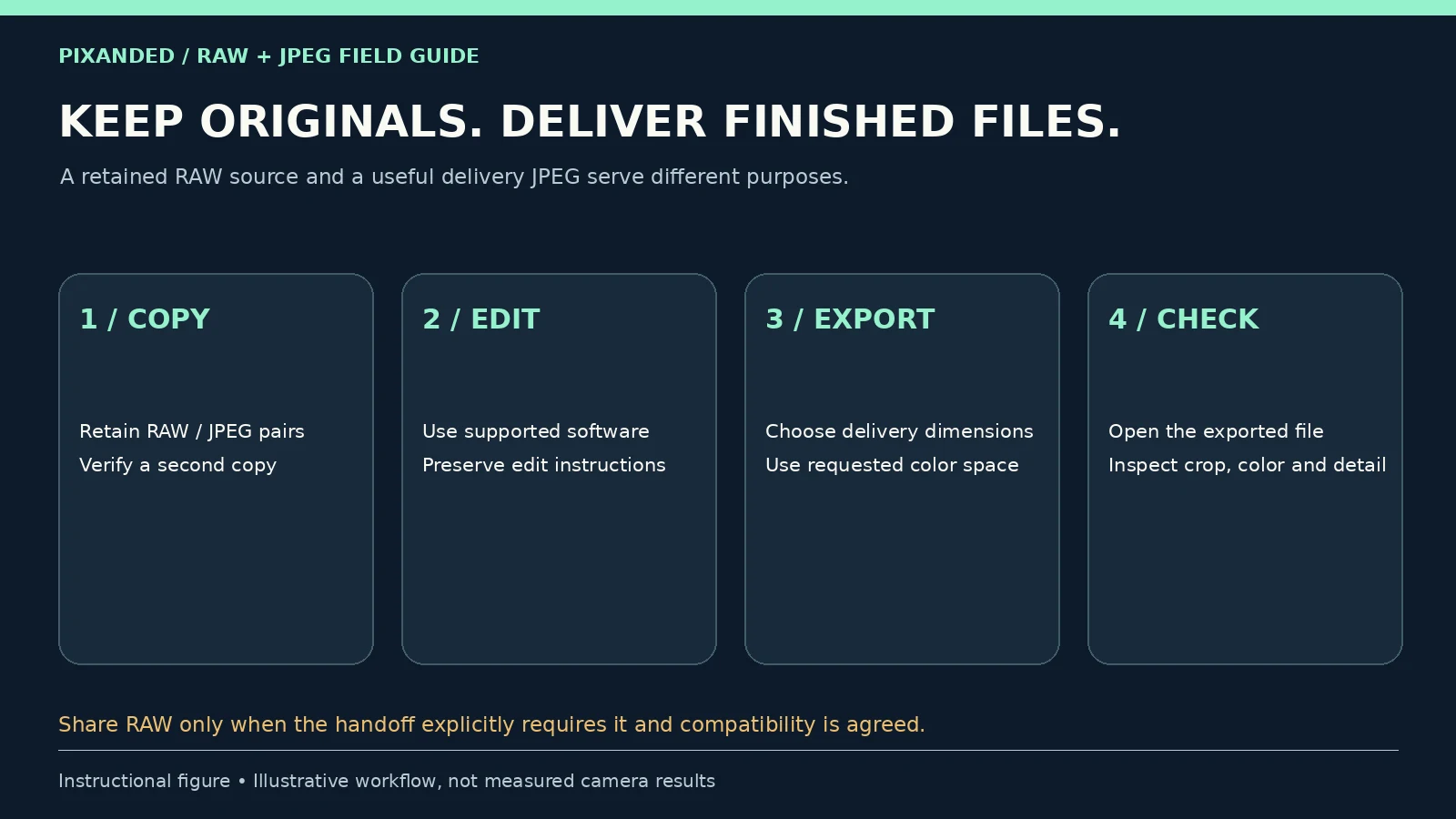
RAW does not mean you must deliver RAW. Capture format and delivery format are separate decisions. A photographer can retain a RAW source and send a finished JPEG. Ask what the recipient needs before promising source files.
3. Make three matched pairs on your own camera
Set the camera to RAW+JPEG if supported. Use a normal still-photo mode, a consistent JPEG picture style and a JPEG quality suitable for your intended output. Record the chosen RAW compression and JPEG size. One shutter release should create both files; confirm that both extensions are present before continuing.
Use a small still life: a plant, a ceramic bowl, a light-colored card and a dark textured cloth. Keep the camera supported and the subject still. Focus carefully and choose an aperture and shutter time that make the required detail sharp. The aperture and shutter-speed tests help if depth or motion is the current problem.
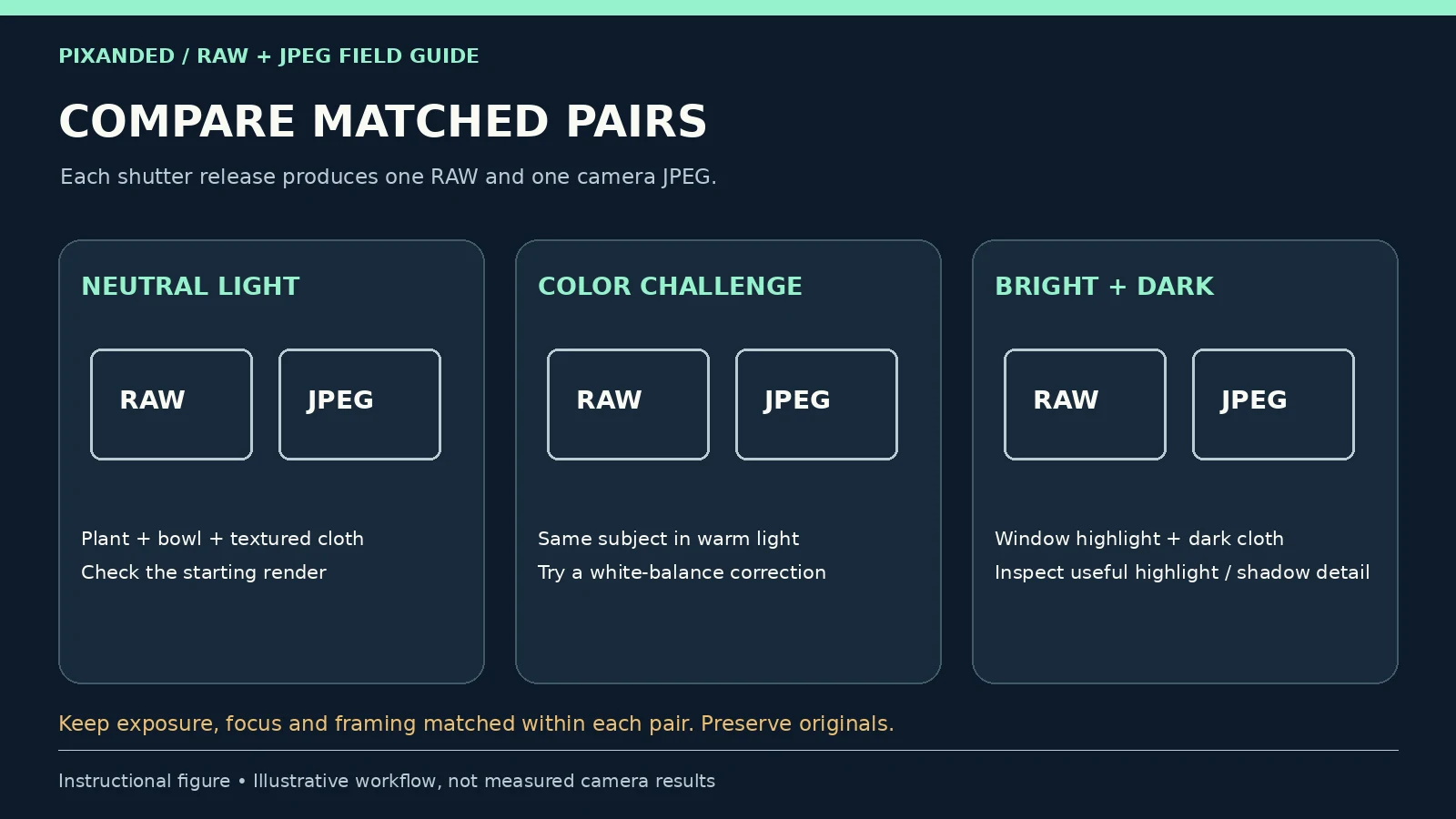
Make the three pairs below. Within each pair, exposure, framing and focus must match because the files come from the same capture. The lighting can change between the three scenes; you are testing different editing needs, not claiming that all scenes have identical exposure.
| Pair | What to photograph | What to compare later |
|---|---|---|
| A: straightforward light | Still life in soft window light, with a sensible white balance | The camera JPEG against a restrained RAW rendering |
| B: color correction | Same subject under a warm household light; intentionally choose a noticeably unsuitable white balance for this exercise | How easily each file reaches a believable color |
| C: bright and dark detail | A bright window area beside the shaded cloth; keep important highlights from obvious clipping when possible | Useful highlight and shadow texture after a moderate edit |
Do not deliberately overexpose pair C to prove that RAW can rescue it. The goal is to test a workable difficult scene. A clipped JPEG preview also does not tell you precisely how much data the RAW contains. Inspect the processed RAW and its actual result.
Copy both files from each capture and preserve the originals. Match them by capture time and filename, not by how a thumbnail looks. Canon’s EOS R7 manual illustrates this pairing: RAW and JPEG from one shot share a file number but have different extensions. Other models and import tools can handle pairing differently.
If your camera cannot record both together, you can make sequential frames with exposure, focus and light fixed, but disclose that they are not a perfectly matched single capture. For a phone, confirm which modes actually produce RAW and JPEG; a computational RAW option may involve additional processing.
4. Edit each pair toward the same useful result
Open both files in software that supports the camera’s RAW format. Keep the unedited camera JPEG as a reference. Make edited copies or versions so you can return to the originals. Compare files at equal output dimensions and on the same display.
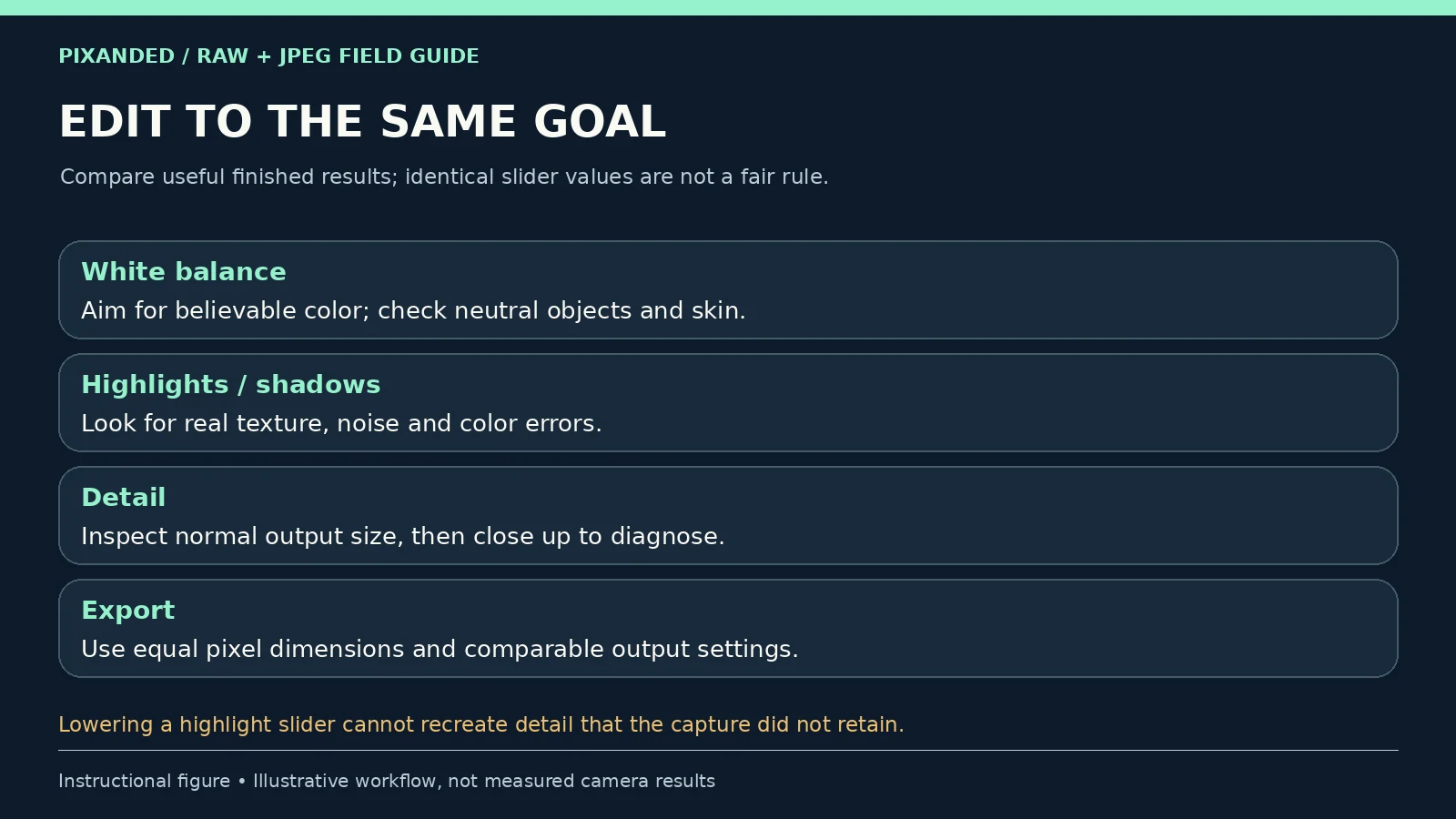
First, make the straightforward pair look natural. Choose a reasonable RAW profile and make only the changes you need. The camera JPEG may initially look punchier because its contrast, color, sharpening and noise reduction are already applied. A less dramatic default RAW preview is not proof of a worse capture.
Next, correct the color-challenge pair. Aim for believable color in the bowl, card and plant. If you use a neutral reference, make sure it is genuinely neutral and under the same light as the subject; ordinary white paper is only a rough visual aid. Compare color casts and difficult transitions after correcting each file.
Finally, edit the bright/dark pair. Lower bright tones where helpful and lift the cloth enough to see the texture you need. Inspect noisy shadows, color shifts and texture loss. Stop when the picture serves its purpose rather than forcing every dark area to daylight brightness.
Do not require identical slider values. A RAW converter and an already rendered JPEG can respond differently to the same numerical adjustment. Compare how well each reaches the same visual goal, how long it takes, and whether distracting artifacts appear.
View the finished pair at the size you will share or print. Use a close view to investigate a defect, but do not let an extreme crop decide the entire workflow. If the JPEG already works and the RAW edit adds little useful improvement, that is a valid observation. If the RAW makes a difficult correction easier, record the particular scene and correction rather than declaring that every RAW file wins.
5. Know what extra editing flexibility cannot fix
Missed focus and motion blur remain capture problems. A RAW file does not make an out-of-focus eye sharp or restore substantial detail smeared by subject movement. Solve those problems with focus, light and shutter choices before comparing file formats.
Recovery has limits. RAW may retain useful tonal information that the camera’s JPEG rendering does not show, but it cannot recreate sensor data that was never recorded. Brightening a dark capture can reveal noise. Lowering a white area can turn it gray without restoring texture. Judge actual detail, not just whether a slider changed its brightness.
Bit depth is not a guaranteed dynamic-range score. A recording option with more numerical levels does not by itself prove more useful scene detail. Sensor behavior, exposure, compression, processing and output all matter. Avoid comparing different cameras solely by the bit-depth label.
JPEG remains editable. Moderate crop, tone and color changes may work well. The limitation is that earlier rendering and lossy compression cannot simply be undone. Preserve an original and export a new delivery copy instead of repeatedly overwriting the same JPEG.
Changing the extension is not conversion. Renaming a JPEG to a RAW extension, or placing it in a DNG container, does not recreate camera sensor data. Likewise, a RAW thumbnail is a rendered preview; it should not be mistaken for a direct view of unprocessed sensor values.
Good exposure is still worthwhile. Our ISO exercise explains why raising ISO or brightening later does not add captured light. File format is one part of the workflow, not a substitute for a usable photograph.
6. Measure storage instead of memorizing file-size ratios
RAW size varies with camera, resolution, compression and scene. JPEG size also varies with image dimensions, quality and content. Measure several of your own files and use an average for planning; do not assume every RAW is a fixed multiple of every JPEG.
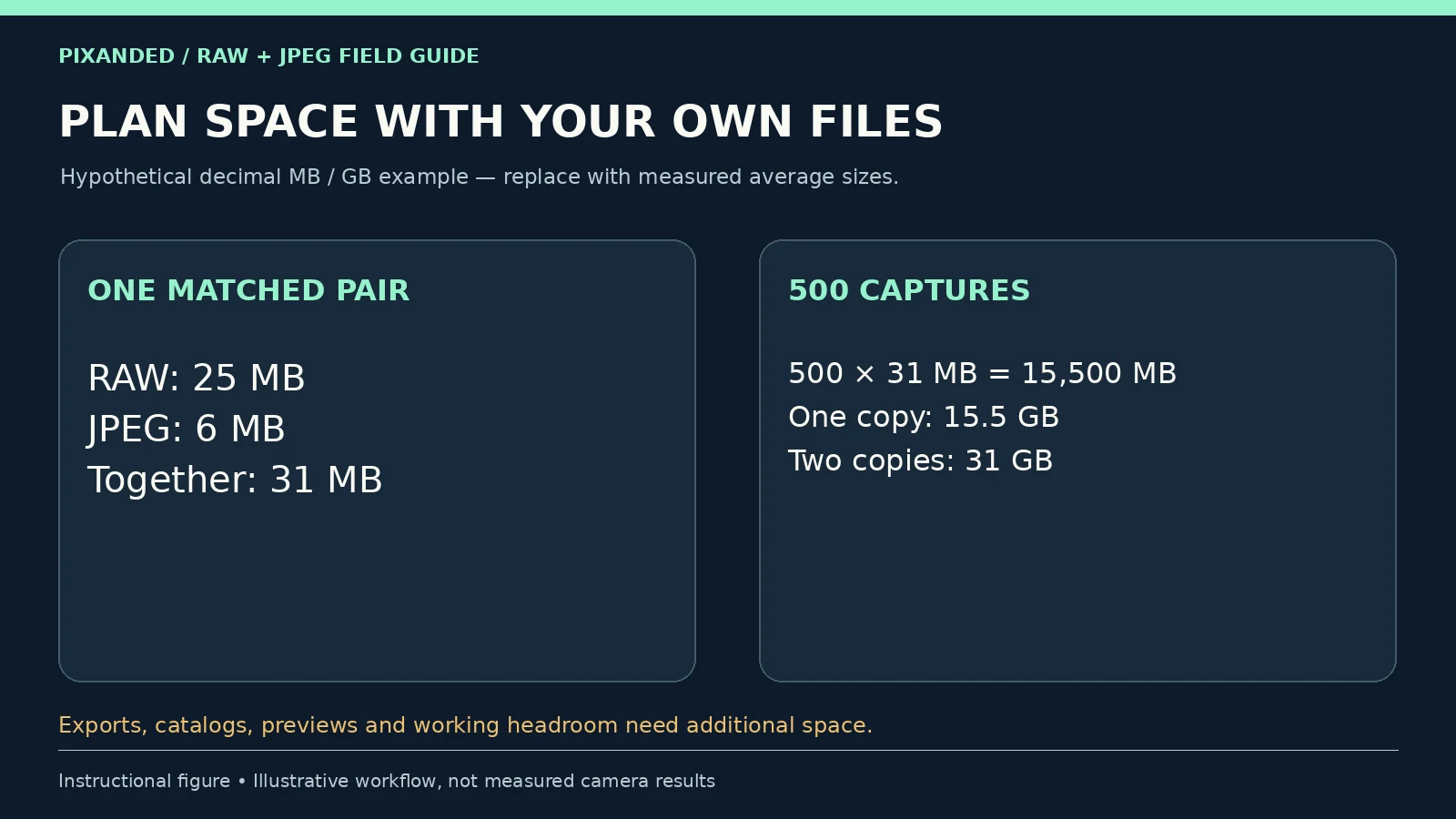
Here is a hypothetical calculation using decimal units: an average RAW is 25 MB and its JPEG is 6 MB. One pair totals 31 MB. For 500 captures, 500 × 31 MB = 15,500 MB, or 15.5 GB. Two complete copies of those capture files require 31 GB.
| Hypothetical set | Calculation | Space |
|---|---|---|
| 500 JPEGs | 500 × 6 MB | 3,000 MB = 3 GB |
| 500 RAW files | 500 × 25 MB | 12,500 MB = 12.5 GB |
| 500 RAW+JPEG pairs | 500 × (25 + 6) MB | 15,500 MB = 15.5 GB |
| Two complete copies of the pairs | 2 × 15.5 GB | 31 GB |
These figures exclude exports, editor catalogs, previews and spare working capacity. A device may report capacity in binary units, so its displayed number can differ from this decimal arithmetic. Replace the example sizes with your measured files.
Also time an import, an edit and an export on your actual computer. For bursts, test the required recording mode with the card you use; file quality options can affect buffer behavior, and the effect is model-specific. A format choice that is convenient for a few photographs may become inconvenient for a long deadline-driven session.
7. Keep the source, export the delivery image
Before a real assignment, open a RAW sample from your camera in the software you plan to use. Support is camera- and version-specific. Adobe lists minimum versions in its supported-camera table. Canon’s camera documentation also warns that older converter versions may not support newer models. Check rather than buying storage for files you cannot process.
Use a converter supported by your camera manufacturer or another editor that explicitly lists the model. Nikon offers NX Studio for supported Nikon files; Canon offers Digital Photo Professional for supported Canon files. Software is a choice, not a requirement to buy one particular subscription.
Preserve the capture files and the edit instructions needed to reproduce your result. Depending on the editor, those instructions may live in a catalog, sidecar file or metadata. Back up the relevant items as well as the photographs. Keep an independent second copy and verify that several files open before reusing the memory card.
Export a finished file in the recipient’s requested format, dimensions and color space. JPEG is a common delivery choice for photographs; sRGB is a practical starting point for ordinary web sharing unless a platform or client specifies something else. For printing or a design handoff, follow the recipient’s requirements rather than forcing web settings onto the job.
Choose a JPEG quality that balances visible detail and file size in your editor. Quality scales vary between applications, so a single number is not a universal rule. Reopen the actual exported file and check crop, orientation, color, texture and dimensions. The editor preview alone does not confirm the delivery file.
If someone requests RAW, agree on source-file delivery, compatibility and any relevant privacy or licensing terms. A RAW file may contain camera and location metadata. Do not send a whole unreviewed folder when the recipient needs only finished images.
8. Choose a format for the next real assignment
Keep a short record for the three pairs: intended use, camera settings, original file sizes, the correction attempted, editing time and the version you would deliver. Write down where RAW provided a useful advantage and where the camera JPEG was already sufficient.
For the next small assignment, choose a format based on that evidence. For example, you might use JPEG for a quick well-lit reference and RAW for a carefully edited window-lit product photograph. Those are hypothetical decisions, not rules for every beginner.
Repeat when the camera, lighting, software or delivery requirement changes. For the next color challenge, our white-balance guide covers the underlying color decision. For choosing equipment, the beginner-camera guide looks beyond file format.
If you want to explore the existing Pixanded learning resource, see our Complete Photography Fundamentals Guide for Beginners Book.
Editorial note: this guide concerns common still-photo RAW and JPEG workflows. HEIF, HDR delivery and computational phone formats can behave differently. The exercises and storage figures are illustrative; test your own camera and software.
Frequently asked questions
Is RAW always better than JPEG?
RAW generally gives more editing flexibility, but JPEG can be a better fit when its rendered result meets the requirement and fast delivery matters. Compare your own files, editing needs and deadline rather than treating the choice as a professional-status test.
Can I edit a JPEG?
Yes. You can crop and adjust tone and color in a JPEG. You are editing an already rendered and compressed image, so earlier camera decisions and lost data cannot simply be undone. Keep an original and export a new copy.
What does RAW+JPEG save?
On supported cameras, one capture saves a RAW file and a camera-rendered JPEG. This creates a useful matched pair for learning or a defined dual workflow, but uses more space than saving either alone.
Can RAW recover every overexposed photograph?
No. A RAW rendering may reveal useful information absent from the JPEG appearance, but it cannot recreate sensor data that was not retained. Check real texture and color; turning a clipped white area gray is not the same as restoring detail.
Do clients need my RAW files?
Not automatically. Most ordinary photo delivery can use a finished image in the agreed format. Send RAW only when source-file delivery is explicitly agreed and the recipient has compatible software. Retain and back up your own source files.