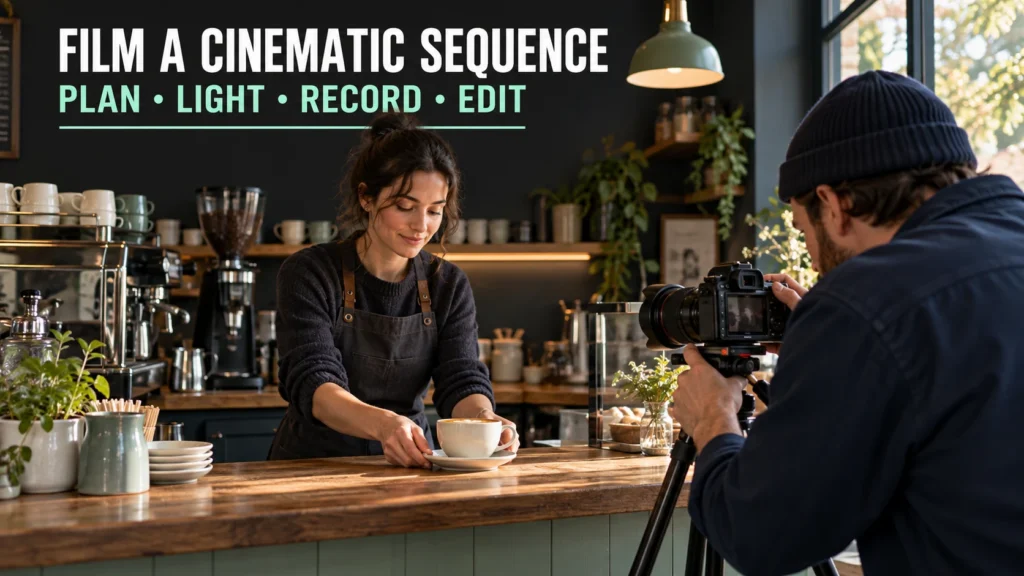
To film cinematic video with any camera, build a sequence around a clear action, deliberate framing, useful light and controlled sound. A camera setting can support those choices; it cannot replace them. A phone and a dedicated camera can both take part, but they do not offer identical controls or capabilities.
This guide follows a hypothetical 20–30-second scene inside a small independent coffee shop: a barista prepares a cup and places it on the counter. The exercise uses a modest camera or phone, window light, a short shot list and a simple edit.
Table of Contents
1. Give the sequence a beginning, action and result
Write the scene in one sentence: “A barista turns an empty cup into a finished drink and presents it.” That gives you a reason for each shot. You need to establish the place, show the action and make the result understandable.
Agree with the shop owner and the participating adult on where and when to film. Keep unrelated customers out of recognizable framing and arrange a quiet period for the exercise. Plan a clear position for the tripod or camera so the filming does not interrupt service.
Choose the destination before recording. This exercise uses a landscape SDR video with normal-speed action and natural sound. If the destination requires a vertical crop, compose for that deliberately or record a separate version. Keep important hands, the cup and the face inside the useful frame.
The 20–30-second target is a scope choice for practice, not a rule about cinematic duration. You can make a shorter scene if it communicates the action, or retain a longer meaningful moment.
2. Plan five useful views rather than five effects
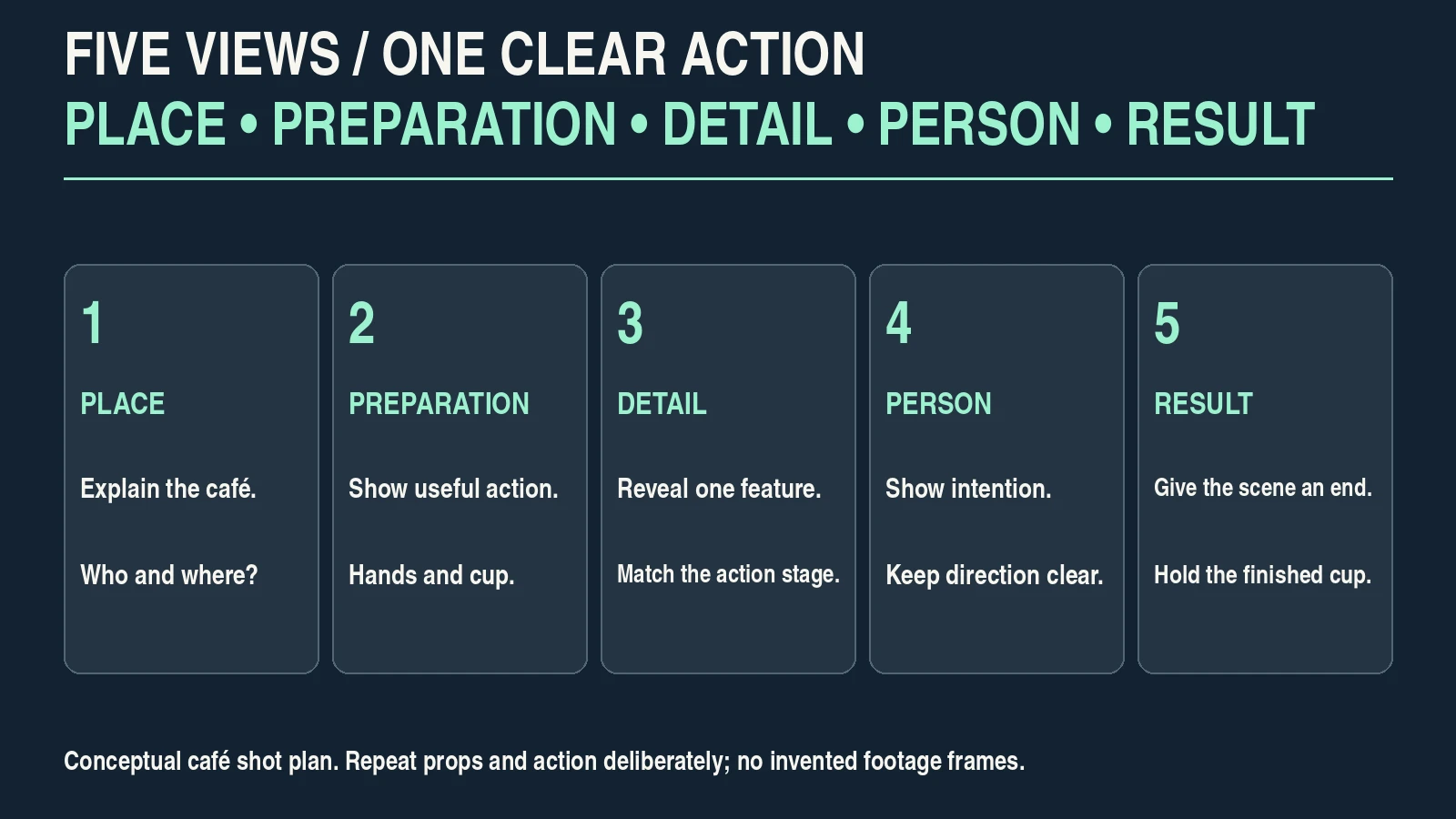
Begin with a wide view that explains the space, then record a medium action, a detail, a short view of the person and a finished result. These views create editing options without requiring every take to move.
| View | What the shot explains | Continuity check |
|---|---|---|
| Wide café view | Where the action takes place and who performs it. | Keep the counter, barista position and main light direction clear. |
| Medium preparation | Hands and the cup during the important action. | Repeat the action from the same beginning when changing angle. |
| Close detail | One useful feature: pouring or placing the cup. | Match cup, hand, fill level and action stage where the cut requires it. |
| Person or reaction | Attention and human intention. | Keep looking direction and position understandable. |
| Finished cup | The result and a natural ending. | Match the cup and counter arrangement established by the sequence. |
Capture a little settled footage before and after each action. Hold the result long enough to give yourself an edit point. Record another take when an important action is hidden by a hand or completed outside the frame.
Choose a consistent side of the action when that helps screen direction remain understandable. If you cross to the other side, use a wider orienting view or another clear transition instead of creating accidental confusion.
Check props between takes. A cup that suddenly changes position or fill level can distract even when each individual shot looks attractive. You may intentionally omit steps through editing, but the result should still make sense.
3. Shape the light and background before adjusting the camera
Place the action where the window gives useful direction and the camera can see it. Side light may reveal the cup and hands more clearly than a bright window directly behind the subject. Move your viewpoint or the subject before treating a large brightness difference as a camera-setting problem.
Look for competing elements behind the barista: bright doors, reflective equipment and unrelated movement. A small position change may simplify the picture more effectively than extreme blur.
Use practical light deliberately. A warm lamp can contribute to the scene, but mixed sources may give different areas incompatible color casts. Reduce an unwanted source or choose an arrangement whose color you accept, rather than expecting one white-balance value to correct every surface.
Record a brief test under the actual lights. Flickering LEDs or display screens can behave differently from continuous window light. Inspect the recorded file, including the hands and background, not only the live view.
Sony’s α7C II anti-flicker instructions distinguish still-photo anti-flicker from variable-shutter controls and recommend test recording. Available functions depend on the camera and mode. If you cannot find a workable combination, change the troublesome light or angle.
4. Choose capture settings for playback and control
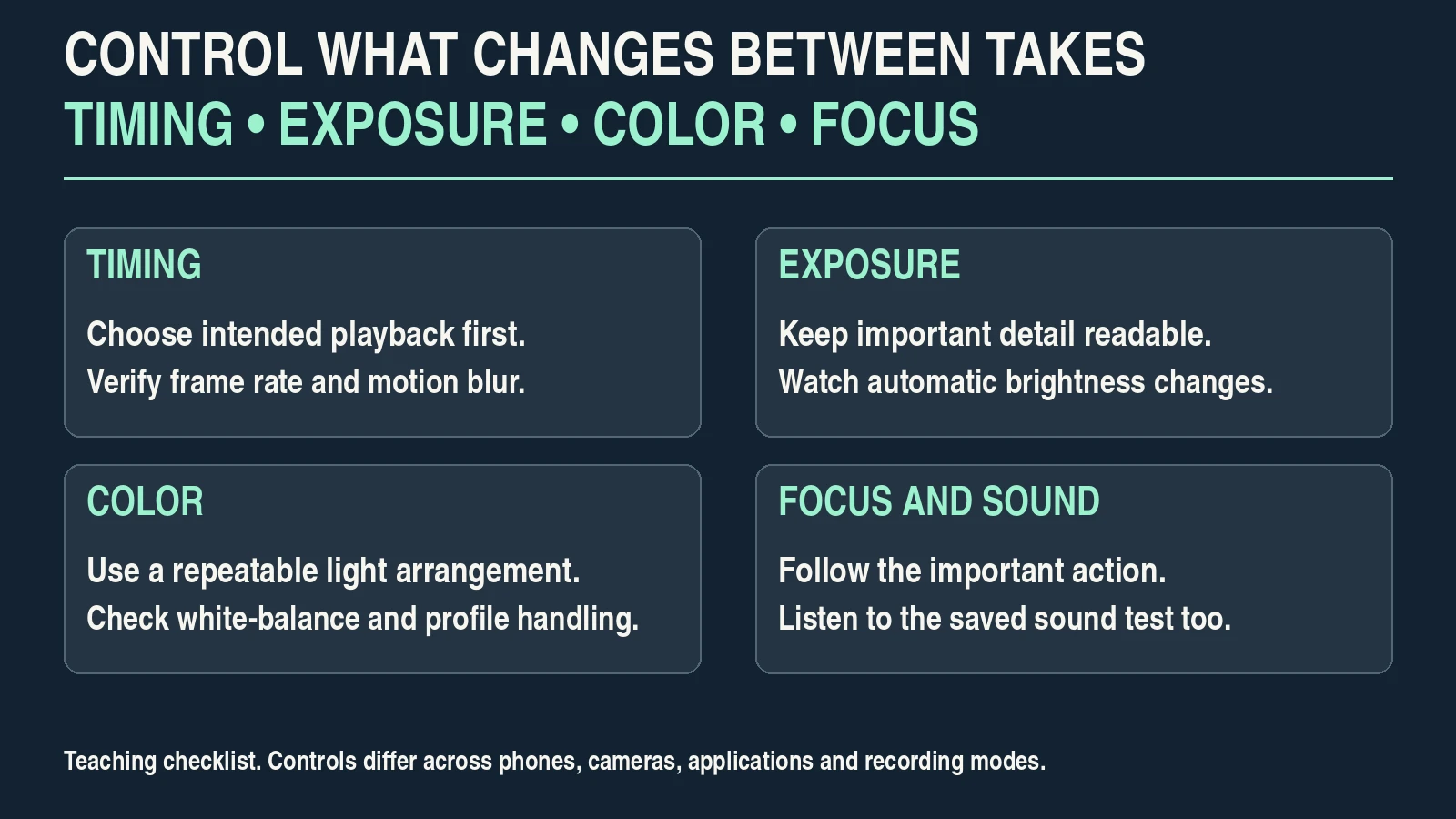
Pick frame rate for the intended timing and delivery. A 24-fps option can be appropriate, but it is not a requirement for deliberate storytelling. A 25- or 30-fps sequence can also use controlled lighting, framing and editing. If you plan slow motion, record and interpret it deliberately rather than slowing every shot.
For this normal-speed exercise, choose one supported frame rate and keep related takes consistent unless a planned exception is useful. Select a resolution and recording mode your device, card and editing system can handle reliably.
A shutter duration near half the frame interval is a common motion-blur starting point: roughly 1/50 second at 25 fps or 1/60 second at 30 fps. Sony’s movie-recording guidance presents this as a guideline and also discusses lighting flicker. Compare the actual movement and light rather than applying it rigidly.
Control aperture for the depth the action needs. The cup, hands and face may not share the same distance. If a very shallow focus zone repeatedly loses the important action, use more depth, change the blocking or simplify the shot.
Use ISO and the available light to reach a suitable exposure without losing important highlights. In bright conditions, a compatible neutral-density filter can help retain your chosen aperture and shutter, but inspect exposure, color and any artifacts. Buying an ND filter is not a prerequisite for the indoor exercise.
| Decision | Starting approach | Verify |
|---|---|---|
| Frame rate and playback | One supported normal-speed rate for the scene. | Motion and editing timeline match the intended delivery. |
| Shutter time | Compare the half-frame-interval guideline where controls allow. | Recorded blur, flicker and exposure are acceptable. |
| Focus and depth | Enough depth for cup and hands; choose the intended target. | Important action stays readable throughout the take. |
| Exposure and color | Use repeatable decisions for shots in the same light. | No unwanted brightness/color jump across related clips. |
| Picture profile | A familiar rendered SDR option for a simple first workflow. | Editor and export preserve the intended appearance. |
| Stabilization | A held or supported baseline; compare available modes. | No objectionable crop, warp or unwanted corrections. |
5. Make the phone or camera work within its limits
A familiar rendered profile can be easier for a first sequence than log or HDR. Log requires appropriate exposure and color interpretation; HDR needs a compatible monitoring and delivery path. Choosing a profile because it looks flat on the screen does not establish that it contains more usable information.
On a phone, learn which decisions your app allows you to hold. Exposure/focus lock, white-balance behavior, automatic lens changes and automatic frame-rate adjustments may affect continuity. Check the exact model and software version.
Apple’s iPhone video-settings guide documents white-balance lock and, on supported models, controls affecting lens switching, stabilization and Auto FPS. Those options illustrate why “a phone camera” is not one fixed recording system.
Avoid adding digital zoom simply to imitate a longer lens. Compare an available native view or change the camera position when practical. Inspect detail and perspective before accepting the framing.
Record a complete practice take and open it in your editor. Confirm image orientation, color interpretation, focus, sound and playback. That small test catches a workflow mismatch before you record all five views. The YouTube camera-settings guide expands the capture test.
6. Record sound and use movement only when it helps
The sound of the cup touching the counter, a controlled pour and the room can make a short scene feel connected to a real place. Record useful sounds as deliberately as the picture. Music should support the scene rather than hide an unusable recording.
Place the recording device or microphone where it captures the intended sound clearly without obstructing the work. Avoid contact noise from handling, clothing or a vibrating surface. Listen to a test through headphones when your equipment supports it, then listen to the saved file.
For a spoken line, rehearse at the person’s actual voice level. Leave headroom for louder moments and confirm that you selected the correct input. Nikon’s Z6III audio-input guide shows model-specific automatic/manual controls and warns when the displayed level is too high. The input scale is not universal.
Record a short stretch of room ambience without speech or deliberate action. This can help connect edits, but it cannot make severely clipped dialogue intelligible. If speech matters, prioritize a quiet arrangement and a suitable microphone position.
Start with held shots or a stable support. If one gentle move reveals the drink or changes the viewer’s relationship to the scene, rehearse it with a clear start and finish. Keep it short enough to control. The handheld-video exercise helps you compare movement with a stationary alternative.
Do not introduce an elaborate camera move when it makes the action harder to understand or increases filming disruption. A useful cut is often enough.
7. Edit for action, continuity and a coherent look
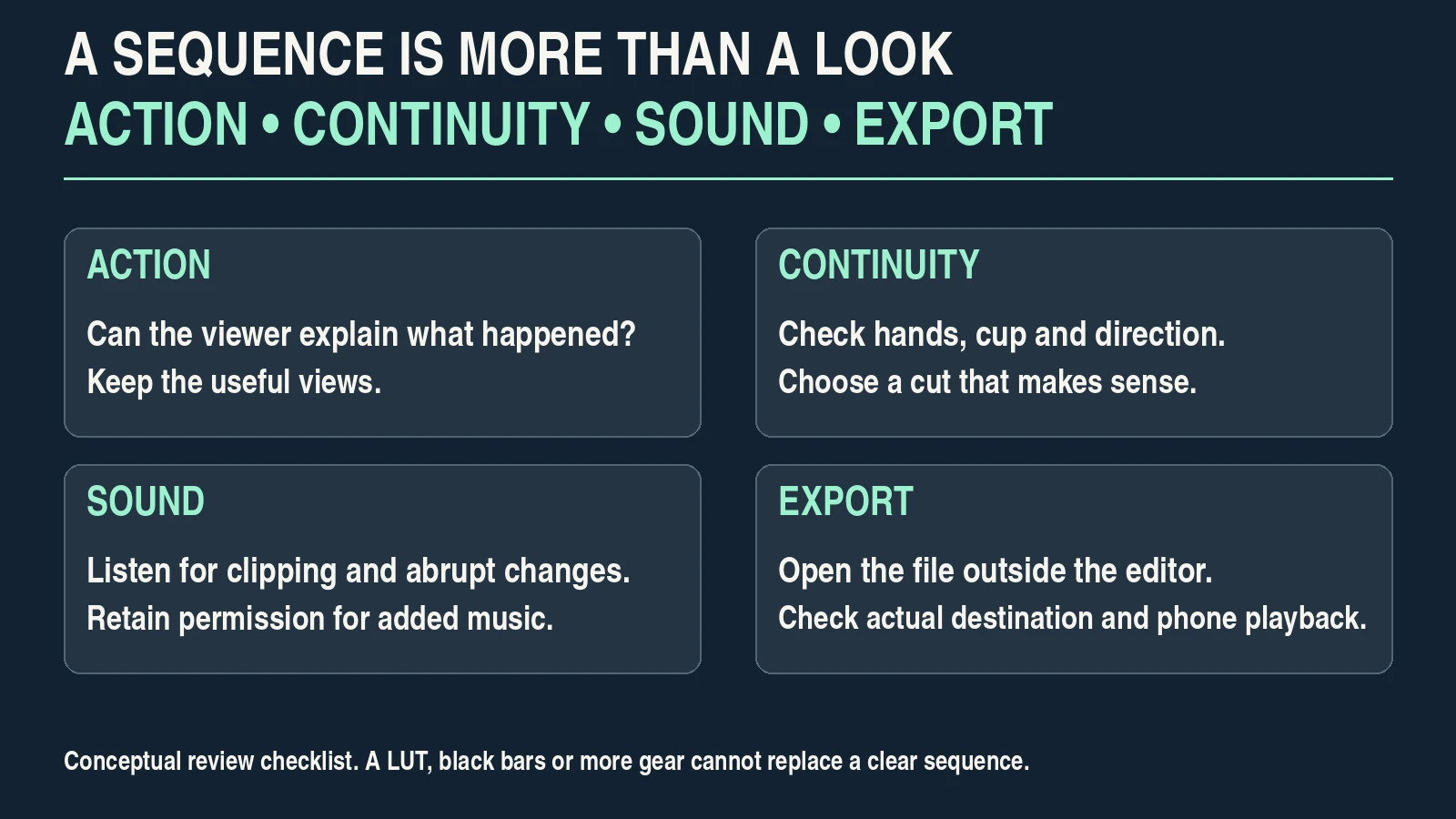
Back up the original clips before editing. Label the useful takes and assemble a rough sequence without a creative filter or soundtrack. Ask whether a viewer can explain what happened.
Choose the moment of each cut. A close detail can replace part of a longer preparation, but it should match the stage of action that the surrounding shots imply. Check hand position, cup state and screen direction. Keep a different take available when a continuity problem cannot be solved cleanly.
Use the recorded sound to connect the sequence. Avoid abrupt ambience changes between cuts. If you add music, check the licence for the actual publication and client use, and retain the evidence of permission. Access to a track is not automatically permission for every use.
Correct color and exposure before creating a strong finish. Match the cup, hands and neutral counter across related shots, then decide whether a restrained creative adjustment supports the scene. The color-grading workflow explains that stage.
Avoid adding black bars, artificial grain or a LUT simply to certify the video as cinematic. A chosen aspect ratio can serve composition, but a crop that removes the hands or cup weakens the scene.
Watch once without sound for visual clarity, then listen without looking for distracting audio changes. Finally watch both together. Keep only shots and effects that contribute to the intended action.
8. Inspect the export and record the next improvement
Export a copy for the intended destination. Preserve your source clips and editable project separately. Check the local exported file before upload, then preview how the actual destination displays it.
| Review question | Pass when | If it fails |
|---|---|---|
| Is the action understandable? | Place, preparation and result form a coherent sequence. | Replace a confusing view or change the cut. |
| Does the picture hold together? | Subject, important detail, color and motion remain intentional. | Check the source, correction and crop. |
| Is the sound usable? | Speech/action sounds are clear without clipping or distracting transitions. | Re-record what matters or simplify the scene. |
| Does delivery match the plan? | Orientation, dimensions, frame rate and color interpretation are suitable. | Review timeline/export choices and destination requirements. |
| Are rights and privacy covered? | People, location and added music have the required permission. | Resolve permission or remove the affected material. |
| Does playback survive outside the editor? | Export opens and plays as expected, including on a phone. | Check the output file and actual viewing workflow. |
Keep a short production record: story sentence, shot list, light arrangement, capture mode, sound setup, accepted takes, color interpretation and export settings. Write one next improvement, such as “move the microphone closer” or “hold the finished cup longer.”
The record turns a vague wish for a cinematic look into a repeatable process. You may eventually need different equipment for a demanding move, low-light condition or delivery format. First establish which limitation actually prevented this small sequence from working.
Frequently asked questions
Can I film cinematic video with any camera?
Many phones and cameras can make a deliberate short sequence, but their controls and image/sound capabilities differ. Adapt the exercise to the device and verify the finished file rather than expecting identical results.
Is 24 fps necessary?
No. Choose frame rate for motion, timing and delivery. Lighting, story, composition, sound and editing can remain deliberate at other supported rates.
Do I need a log or flat profile?
No. A familiar rendered profile can support a simpler SDR workflow. Log requires appropriate exposure and color interpretation; selecting the flattest-looking option is not a quality guarantee.
Should every shot use shallow depth of field?
No. Use enough depth for the action and context that matter. A blurred hand, cup or second person can weaken the shot when that element needs to be readable.
Can a LUT or black bars make footage cinematic?
They can change appearance or framing, but they do not replace a clear sequence, useful light, controlled sound and purposeful editing. Judge what each change contributes.
What should I improve before buying more equipment?
Identify the recorded problem. A clearer shot plan, better position relative to light, closer sound recording or a simpler movement may address it. Buy only when the actual limitation requires a different capability.
This is a practical teaching sequence with hypothetical scope and settings, not a measured camera comparison or a promise of identical output from every device.