If you’re starting in videography or content creation, one of the first technical terms you’ll encounter is frame rate in video.
Frame rate determines how smooth motion appears in your footage. Choosing the right frame rate can dramatically change the look, realism, and cinematic quality of your videos.
Should you shoot in 24fps, 30fps, or 60fps?
Each frame rate serves a different purpose, and understanding when to use them is essential for creating professional-looking videos.
In this beginner-friendly guide, you’ll learn exactly what frame rate is, how it works, and when to use 24fps, 30fps, or 60fps, depending on your filming goals.
Table of Contents
What Is Frame Rate in Video?
Frame rate in video refers to the number of individual images (frames) displayed every second in a video recording.
It is measured in frames per second (fps).
For example:
- 24fps = 24 images per second
- 30fps = 30 images per second
- 60fps = 60 images per second
The higher the frame rate, the smoother the motion appears.
However, smoother motion isn’t always better. Different frame rates create different visual styles and storytelling effects.
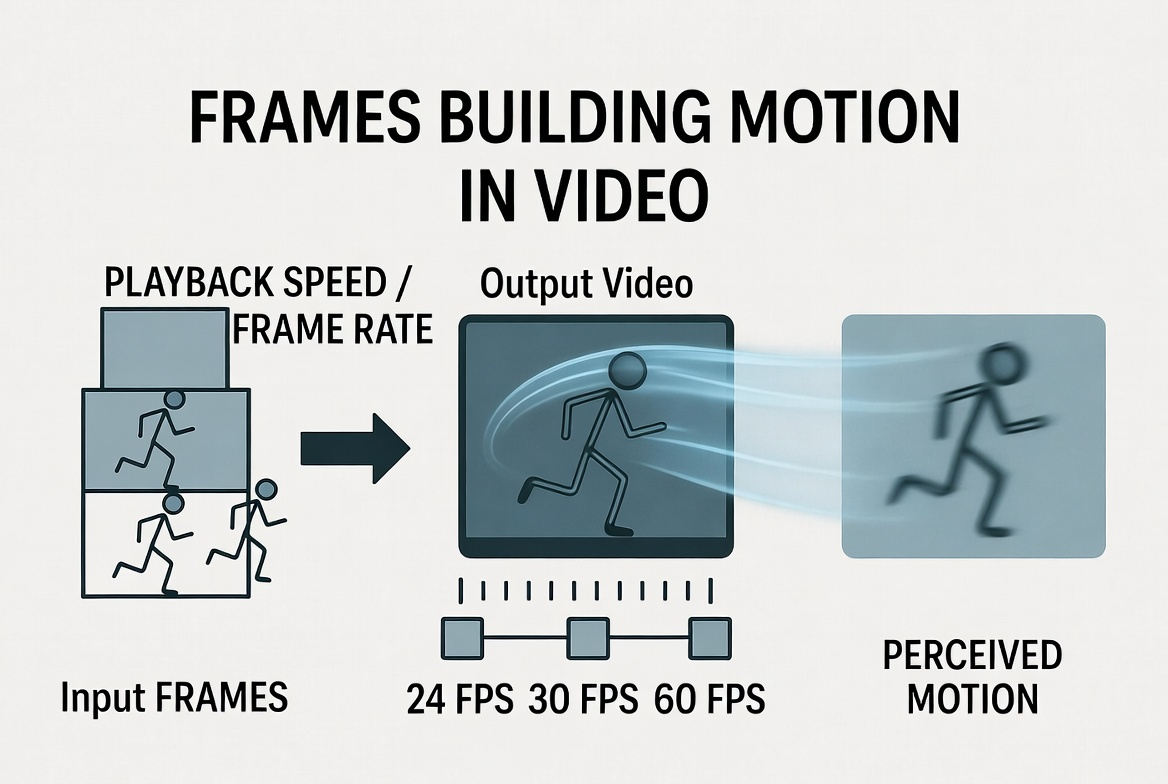
How Frame Rate Works
When a camera records video, it captures a sequence of still images very quickly.
Your brain combines these images to create the illusion of movement.
The number of images captured per second determines how motion looks.
Example
Imagine filming someone walking.
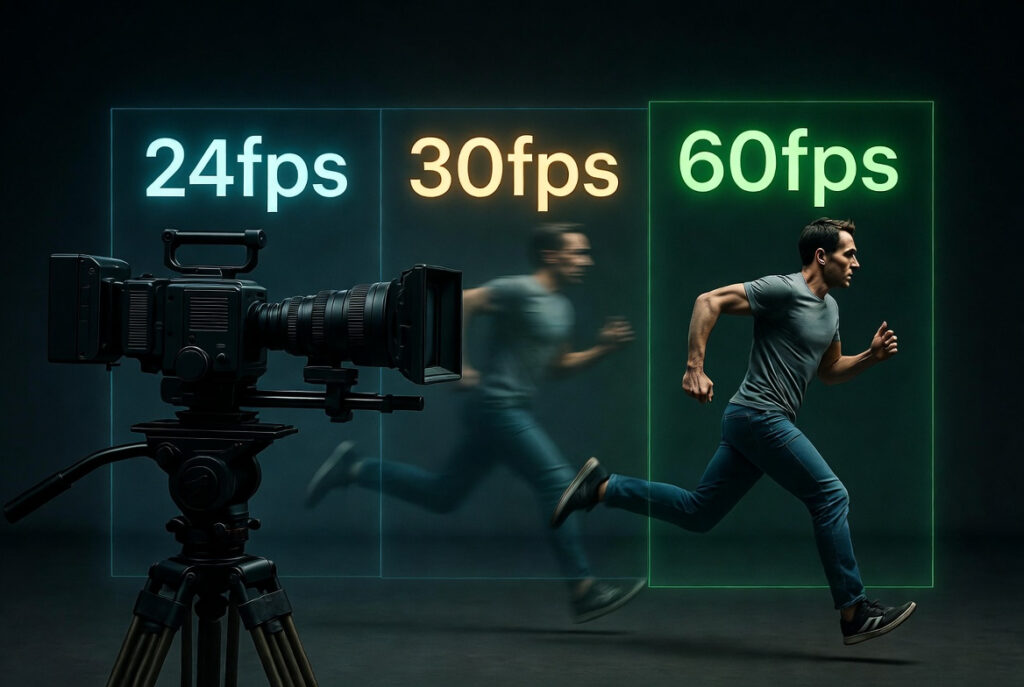
- 24fps captures fewer frames → slightly softer motion
- 30fps captures more frames → smoother motion
- 60fps captures many frames → very fluid motion
Each option affects the style and realism of your footage.
Why Frame Rate Matters
Frame rate affects:
- Motion smoothness
- Cinematic feel
- Motion blur
- Slow-motion capability
- Video file size
Understanding these differences helps creators choose the right settings before recording.
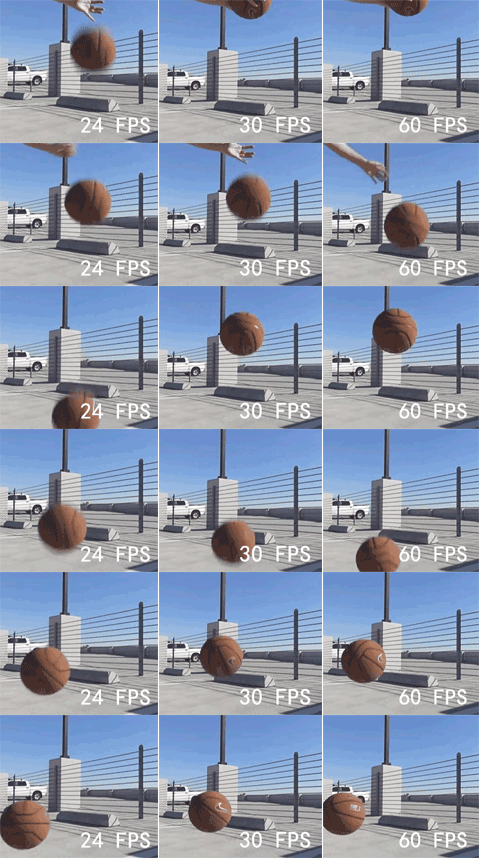
24fps vs 30fps vs 60fps Explained
Let’s break down the most common frame rates used in modern cameras.
24fps — The Cinematic Standard
24 frames per second is the traditional frame rate used in movies and cinema.
Why filmmakers use it:
- Creates a cinematic motion look
- Slight motion blur feels natural
- Matches Hollywood film style
Best for:
- Cinematic storytelling
- Short films
- YouTube cinematic videos
- Interviews
- Documentary-style content
Many creators choose 24fps when they want their footage to feel artistic and film-like.

30fps — The Standard Video Look
30fps is the most common frame rate used for general video recording.
It is slightly smoother than 24fps and widely used for:
- Online video
- YouTube
- TV broadcasts
- tutorials
- interviews
- vlogs
Advantages of 30fps:
- Balanced motion
- Compatible with most platforms
- Good for everyday recording
If you’re unsure which frame rate to use, 30fps is often the safest option.
60fps — Ultra Smooth Motion
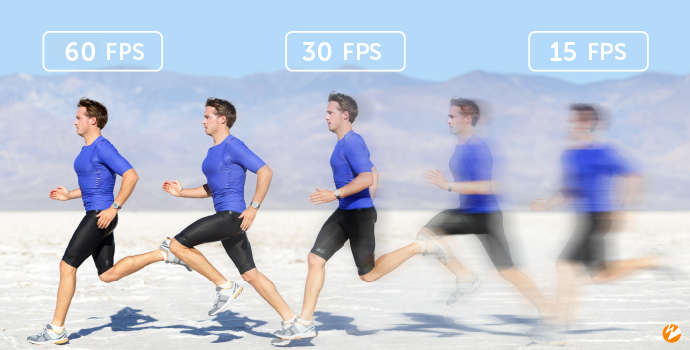
60fps captures twice as many frames as 30fps, producing very smooth motion.
This frame rate is ideal for:
- Sports footage
- fast action
- gaming videos
- travel videos
- slow-motion editing
Another advantage is slow-motion capability.
If you record at 60fps and export at 30fps, you can slow footage by 50% while keeping smooth playback.
The image below (sourced from Wowza)explains the difference clearly
Practical Examples for Creators
Here are some common scenarios and the best frame rate to use.
Cinematic YouTube Videos
Use 24fps to achieve a movie-style look.
Vlogs and Tutorials
Use 30fps for natural motion and compatibility across platforms.
Sports or Fast Action
Use 60fps to capture smooth movement and allow slow-motion playback.
Social Media Content
Most creators choose 30fps or 60fps depending on movement intensity.
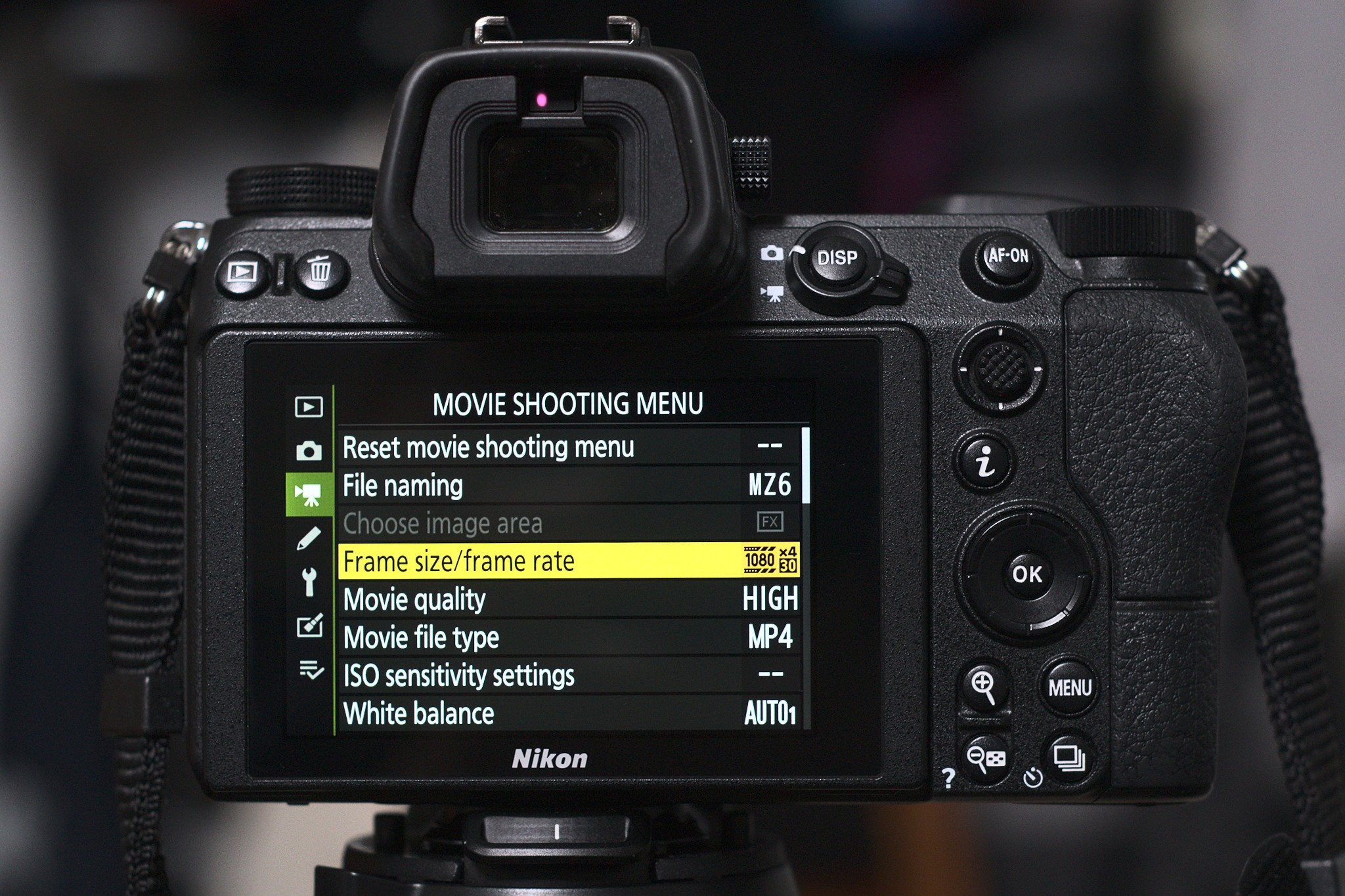
Common Mistakes Beginners Make
Many beginners misunderstand frame rate in video and end up with inconsistent footage.
Here are the most common mistakes.
Shooting Different Frame Rates in the Same Project
Mixing 24fps and 30fps clips can cause editing problems.
Try to keep the same frame rate across your project.
Choosing High Frame Rate for Cinematic Videos
Some beginners assume that higher fps always looks better.
However, 60fps often looks too smooth for cinematic storytelling.
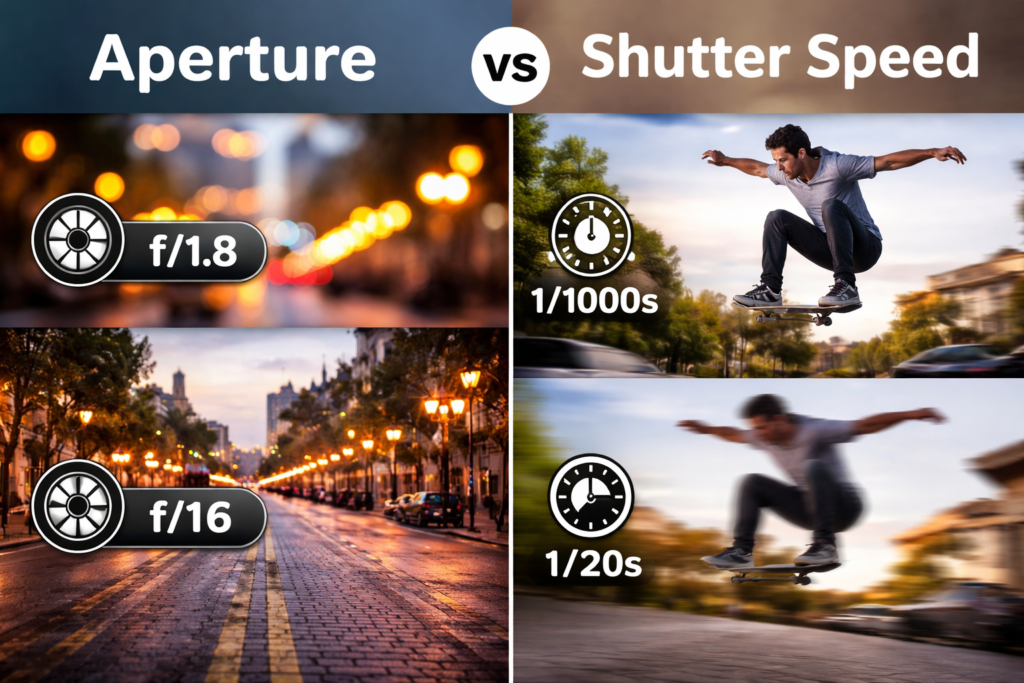
Ignoring the Shutter Speed Rule
Frame rate also affects shutter speed.
For natural motion blur:
- 24fps → shutter around 1/48
- 30fps → shutter around 1/60
- 60fps → shutter around 1/120
This is known as the 180-degree shutter rule.
Tips to Master Frame Rate
Once you understand frame rate in video, you can use it creatively.
Here are some practical tips.
Choose Frame Rate Based on Story
Think about the emotion or style you want before recording.
Plan Slow Motion Ahead of Time
If you plan slow-motion shots, record at 60fps or higher.
Match Frame Rate With Editing Timeline
Your editing timeline should match your shooting frame rate.
Test Different Looks
Try filming the same scene in 24fps and 60fps to understand the difference.
Hands-on practice is the fastest way to master videography settings.
What is the frame rate in the video?
Frame rate refers to the number of frames recorded or displayed per second in a video. It affects how smooth the motion appears.
Is 24fps better than 30fps?
Not necessarily. 24fps looks more cinematic, while 30fps provides smoother motion for general video recording.
When should I use 60fps?
Use 60fps for sports, action scenes, or when you plan to create slow-motion footage.
Can viewers notice frame rate differences?
Yes. Lower frame rates like 24fps look cinematic, while higher frame rates like 60fps appear smoother and more realistic.
What frame rate do YouTubers use?
Most YouTubers use 30fps, although cinematic creators often prefer 24fps.
Conclusion
Understanding frame rate in video is one of the most important fundamentals for videographers and content creators.
While the difference between 24fps, 30fps, and 60fps might seem small, it significantly impacts how your footage feels.
Remember:
- 24fps → cinematic storytelling
- 30fps → balanced everyday video
- 60fps → smooth action and slow motion
By choosing the right frame rate before recording, you’ll create videos that look more intentional, professional, and visually engaging.
The best way to learn is simple: experiment with different frame rates and study how motion changes in your footage.
For more learning at Pixanded, check the Learn Category Articles: