Shaky footage is one of the fastest ways to make your videos look unprofessional. Many beginners think the only solution is buying expensive gear—but that’s not true. Learning how to shoot smooth handheld video without a gimbal is a fundamental skill every videographer should master.
With the right techniques, body control, and camera settings, you can achieve cinematic, stable footage using just your hands. In this guide, you’ll learn a proven step-by-step workflow used by professionals to eliminate shake and create smooth motion—no gimbal required.
Table of Contents
What You Need Before Starting
Before improving your handheld shots, make sure you’re set up correctly.
1. Camera or Smartphone
You can use:
- DSLR / Mirrorless camera
- Smartphone (modern phones work great)
2. Stabilization Features
Check if your camera has:
- IBIS (In-Body Image Stabilization)
- Lens stabilization (OIS)
Turn them ON.
3. Proper Grip
Your hands are your “gimbal.”
You need:
- Firm grip
- Stable posture
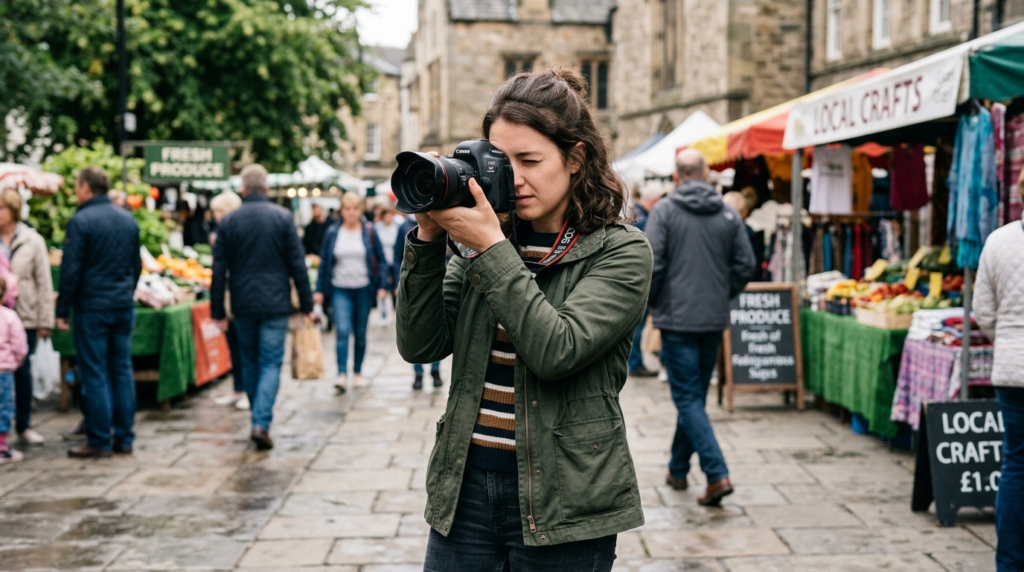
Step-by-Step Process: How to Shoot Smooth Handheld Video Without a Gimbal
Step 1: Use the “Human Tripod” Technique
Stability starts with your body.
Do this:
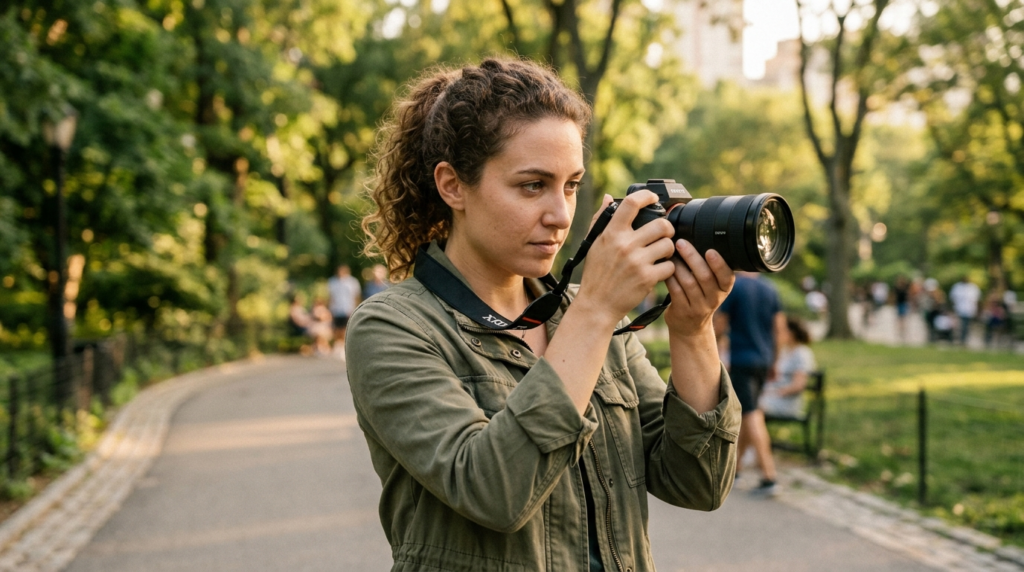
- Keep your elbows tight to your body
- Hold the camera with both hands
- Keep movements slow
Think of yourself as a tripod.
Step 2: Bend Your Knees Slightly
Never stand stiff.
Slight bend in knees:
- Absorbs movement
- Reduces shake
Step 3: Walk Like a Ninja (Heel-to-Toe Movement)
This is the secret technique.
Walk:
- Heel → toe
- Slowly and smoothly
Avoid:
- Heavy steps
- Sudden movements
Step 4: Control Your Breathing
Breathing affects stability.
Before recording:
- Take a breath
- Exhale slowly while shooting
Step 5: Use Wider Focal Lengths
Wide lenses reduce visible shake.
Example:
- 16mm–35mm = smoother
- 85mm+ = more shake
Step 6: Add Movement Intentionally
Instead of random shake:
Use:
- Slow pans
- Controlled forward motion
Step 7: Stabilize in Post (Optional)
Software tools:
Use lightly for best results.
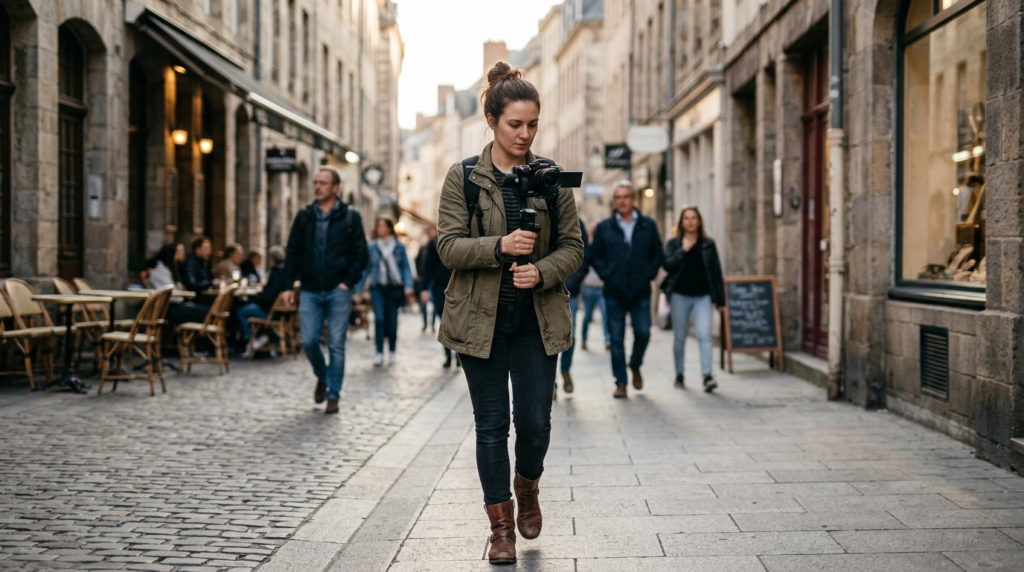
Camera / Settings / Workflow Tips
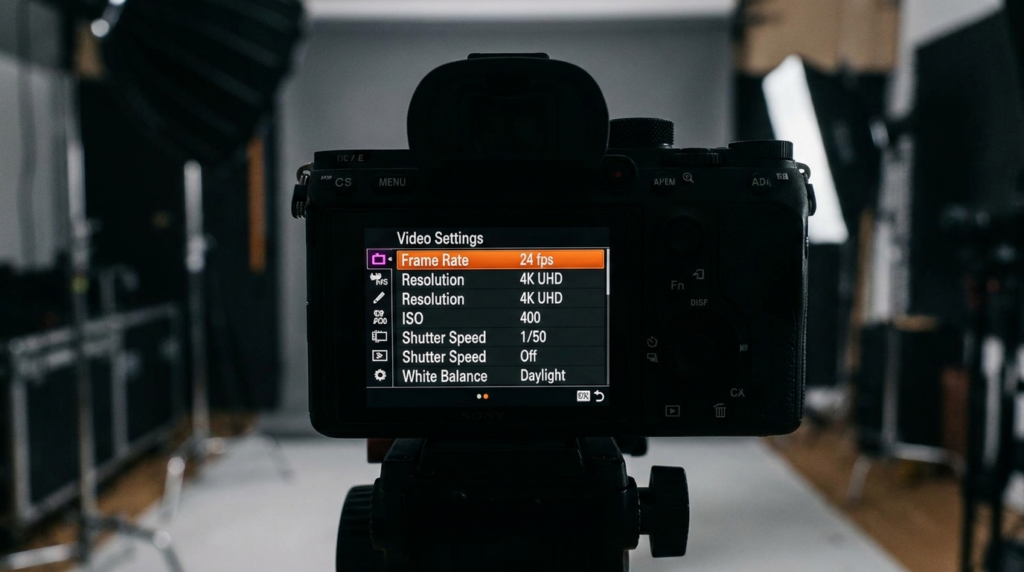
Use Higher Frame Rates
- 24fps = cinematic
- 60fps = smoother motion
For handheld: Use 60fps if possible.
Use Faster Shutter Speed
Recommended:
- 1/50 for 24fps
- 1/120 for 60fps
Reduces motion blur
Turn on Stabilization
- IBIS
- Digital stabilization
Keep Shots Short
Short clips = easier to stabilize.
Shoot Multiple Takes
Always shoot: 2–3 versions of each shot
Real-World Mistakes to Avoid
1. Walking Too Fast
Fast movement = shaky footage
2. Using Telephoto Lens
Zoomed-in shots amplify shake.
3. Over-Relying on Stabilization
Digital stabilization:
Crops image
Reduces quality
4. Holding the Camera with One Hand
Always use both hands.
5. Ignoring Body Movement
Your body is the biggest factor.
Pro Tips to Improve Results
1. Use Objects for Support
Lean on:
- Walls
- Tables
- Poles
Instant stability boost
2. Use Camera Strap Tension
Pull the strap tight: Adds extra stability
3. Add Weight to Your Setup
Heavier cameras: Reduce micro-shakes
4. Practice Controlled Movement
Repeat:
- Walking shots
- Panning shots
Muscle memory matters
5. Think Like a Cinematographer
Ask: “Where should the movement feel smooth?”
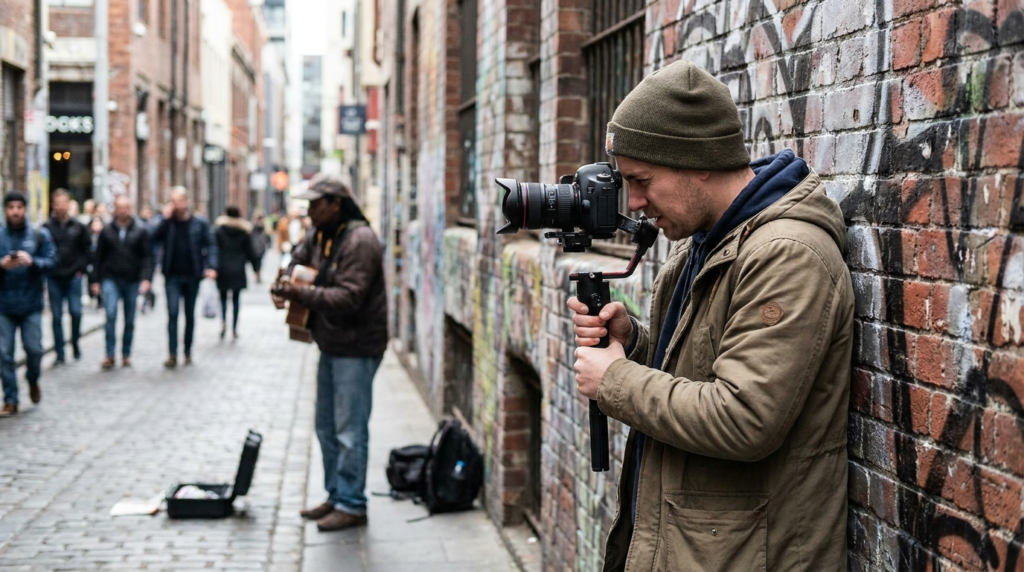
How can I shoot stable video without a gimbal?
Use proper grip, bend your knees, walk heel-to-toe, and keep movements slow and controlled.
Is it possible to get cinematic footage without a gimbal?
Yes. Many professionals shoot handheld using body stabilization techniques and post-editing.
What is the best lens for handheld video?
Wide-angle lenses (16mm–35mm) are best because they reduce visible shake.
Should I use stabilization in editing?
Yes, but lightly. Over-stabilization can reduce quality and create distortion.
Why is my handheld footage shaky?
Common reasons:
Poor grip
Fast movement
Wrong lens
No stabilization
Internal Linking Suggestions
📚 Learn Articles
- “What Is Dynamic Range in Cameras? Simple Explanation”
- “Photography Composition Rules Every Beginner Should Learn”
🎥 Gear Articles
- “Best Budget Camera for Beginners in Photography”
- “Best Lenses for Portrait Photography (Beginner to Pro)”
Conclusion
Mastering how to shoot smooth handheld video without a gimbal is a skill that separates beginners from professionals.
You don’t need expensive gear—just:
- Proper technique
- Smart settings
- Consistent practice
Start applying these steps today, and your footage will instantly look more cinematic and professional.
Action Step
Grab your camera right now…
Practice the heel-to-toe walk + human tripod technique…
And film your first smooth handheld clip.
That’s how real improvement happens.
At the end of this post, we hope that we have helped you to learn how to shoot smooth handheld video without a gimbal