
On this page
The Canon EOS R8 Mark II adds capabilities that could appeal to beginners moving into full-frame photography. The important buying question is whether those changes solve a problem in the photographs or videos you actually make and whether the complete camera kit fits your budget and your routine.
This is a news-based buying framework, not a hands-on review. We have not measured autofocus accuracy, real-world battery life or image quality. The practical exercises below show what to examine before deciding that a new body is the right next step.
The confirmed changes
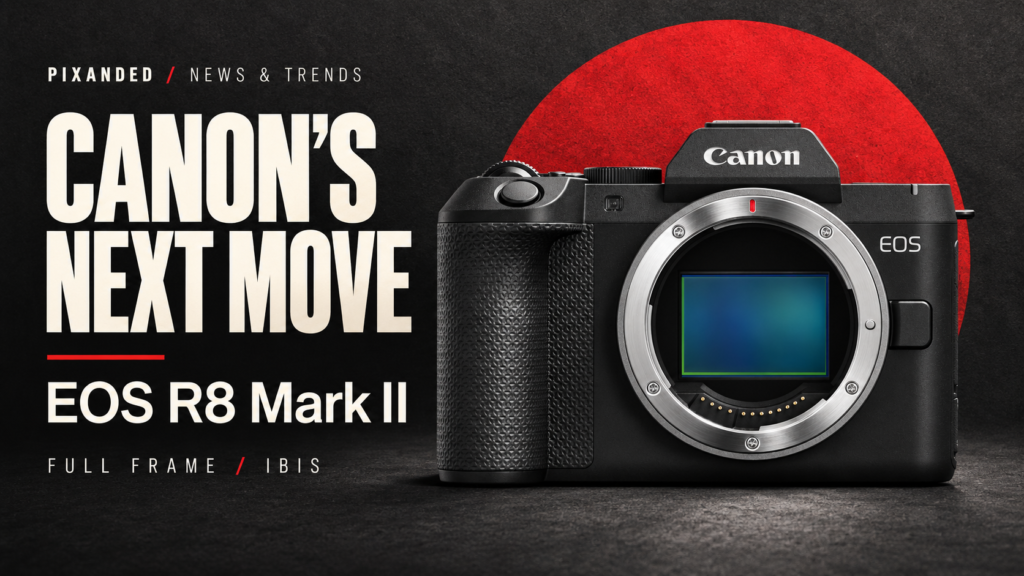
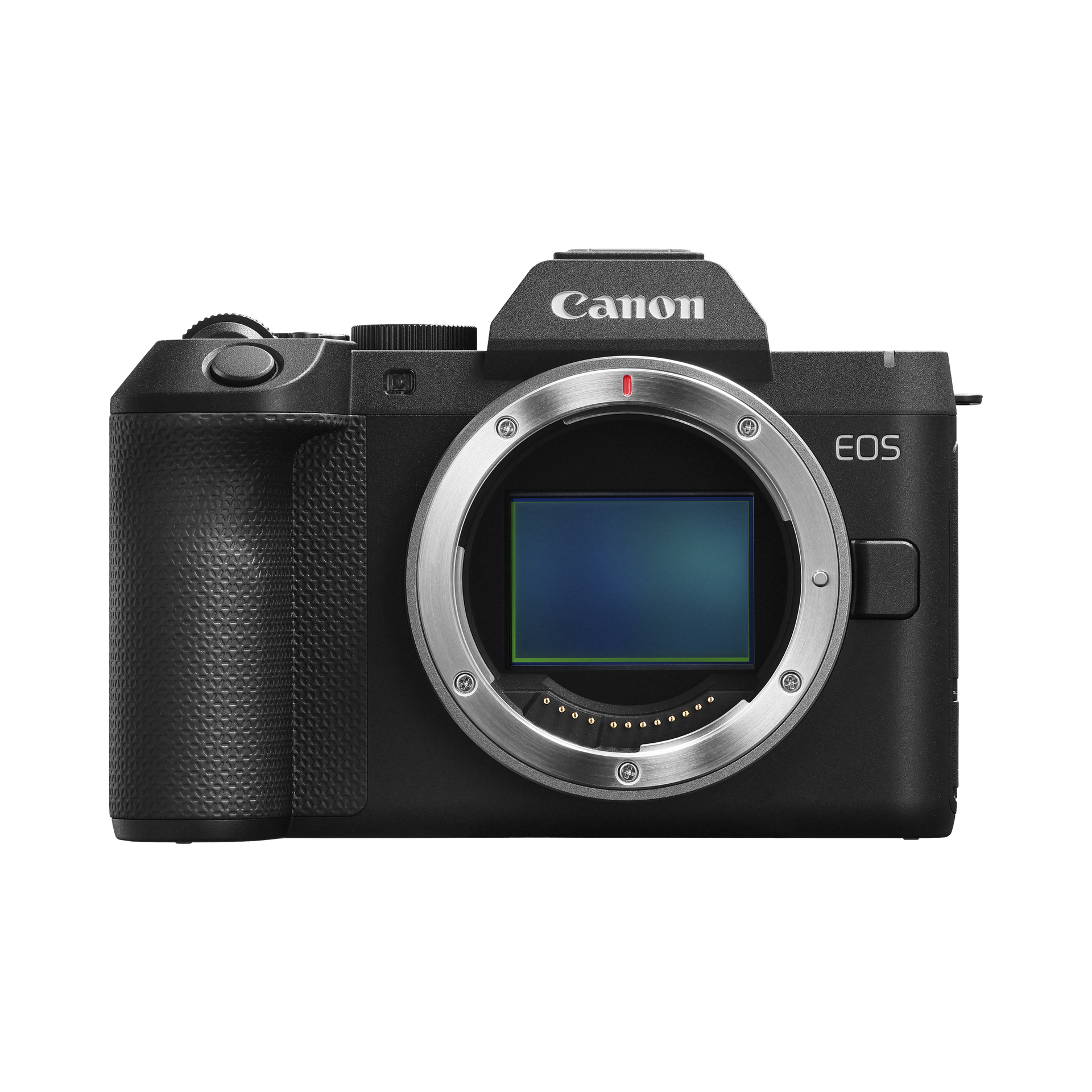
Canon announced the EOS R8 Mark II on 16 September 2026. Its specifications include a 24.2MP full-frame sensor, in-body stabilization, a multi-controller, subject-detection autofocus, registered-person priority and pre-continuous shooting. Canon lists up to 40fps electronic bursts, a buffer of up to 73 RAW files and approximately half a second of pre-capture, providing up to 20 earlier frames in the specified mode.
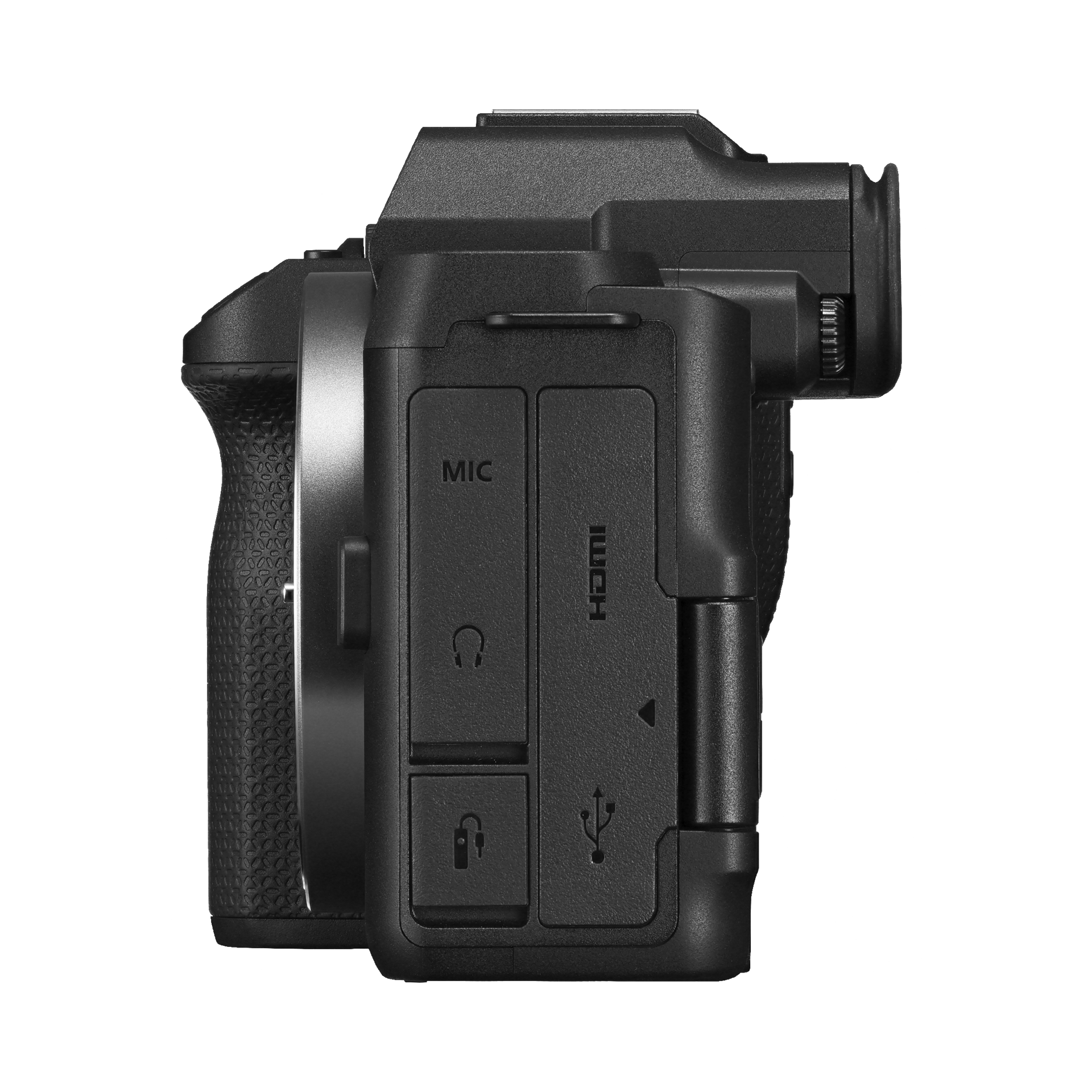
The headline stabilization claim is up to 7.5 stops, measured under stated conditions with a particular lens—not a guarantee for every lens or subject. Canon lists approximately 499g for the body, or 546g with battery and card, plus oversampled 4K from 6K, Full HD up to 180fps and Canon Log 3.
These facts were checked on 6 October 2026. Consult the current specifications and local retailer before purchase. We are not quoting a price or guaranteeing availability in your country.
How it differs from the original R8
Canon’s current product comparison distinguishes the new model’s in-body stabilization and multi-controller from the original R8. It lists 546g versus 461g with battery and card. Both remain single-SD-slot cameras in that comparison.
The new body therefore gives you a different balance of handling, stabilization and carrying weight. It is not a reason to replace a camera that already delivers the images you need. Evaluate the differences in a real shooting task before treating the newer name as an upgrade requirement.
| Question | Original R8 | R8 Mark II | Practical implication |
|---|---|---|---|
| In-body stabilization | No IBIS | IBIS added | Potential help with camera shake |
| Carrying weight, battery and card | 461g | 546g | Compare complete kit weight, including lens |
| Multi-controller | Not provided | Added | Test whether direct focus selection helps you |
| Card slots | Single SD | Single SD | Plan storage and backup around one slot |
The comparison does not establish which camera is better for your own work. For that, consider the kind of subject, lens, support and delivery you use.
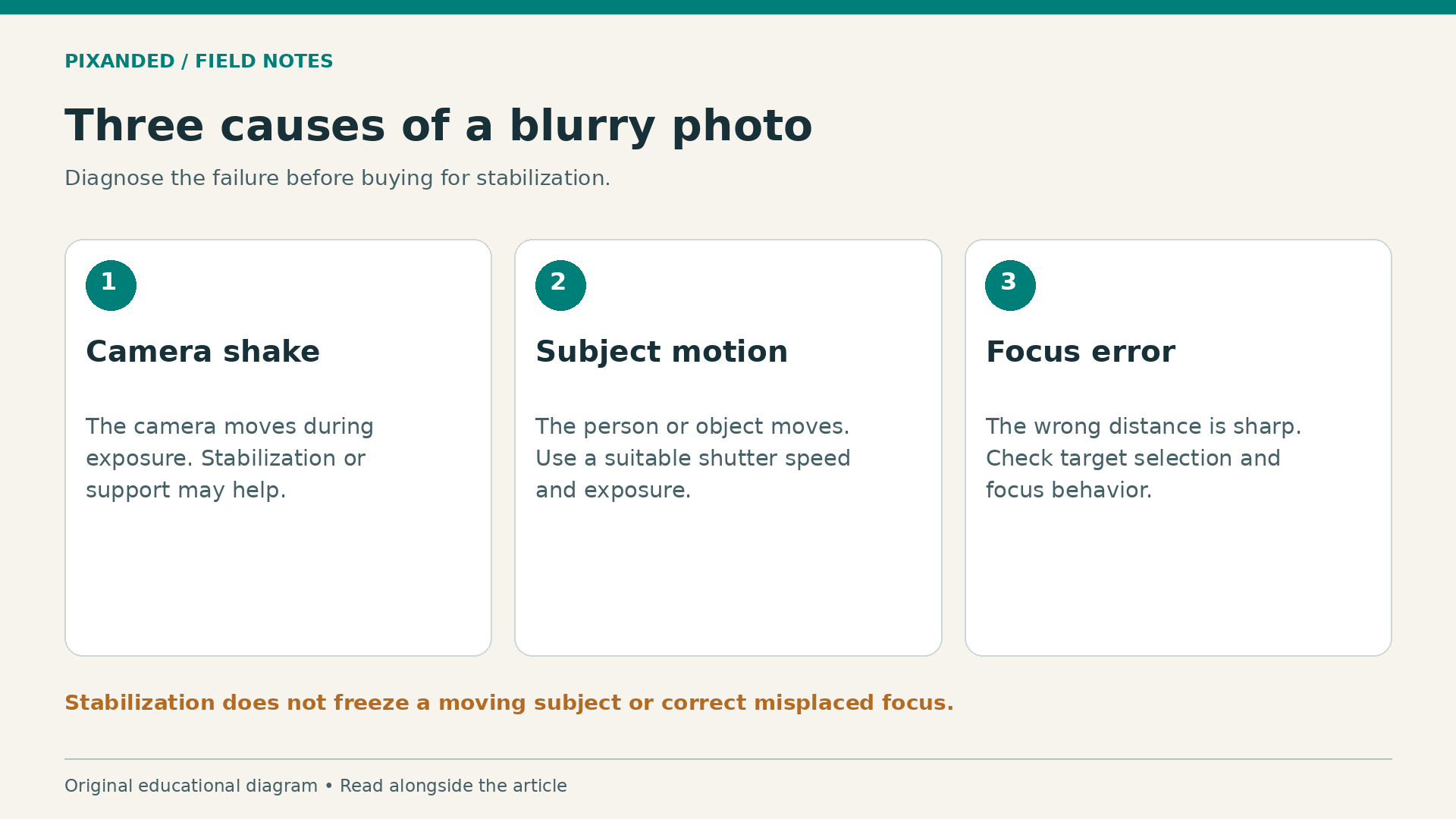
Stabilization helps camera shake, not subject motion
This distinction matters more than the headline number. Camera shake is movement of the camera during an exposure. Subject motion is movement within the scene. A stabilized camera may help you hold a static building sharply, but it does not stop a child turning their head.
Imagine two photographs in a dim room. In the first, you photograph a still vase. In the second, someone lifts that vase and walks away. You may be able to use a slower shutter for the static object than for the moving person. Stabilization does not make the same slow exposure suitable for both.
Before buying for low-light work, inspect your failed photographs. If the whole frame shows a similar directional blur, camera movement may be involved. If the background is sharp but the moving person is blurred, you need to address subject motion. If the wrong distance is sharp, focus may be the main problem.
A faster shutter can reduce motion blur but lets in less light, so you may need a different aperture, higher ISO or better illumination. These are exposure choices you still need to make with a stabilized body. Read aperture versus shutter speed if that tradeoff is unfamiliar.
For video, stabilization can reduce some unwanted movement, but it does not replace controlled walking, careful framing or suitable support. Test pans, static holds and short movements. Watch the actual footage for distracting behavior rather than judging only the viewfinder.
Autofocus still needs a clear shooting intention
Subject detection can help a camera recognize the kind of subject you want. You still need to decide which person or object matters and whether the system is following the correct target. A technically sharp background is no consolation when the main subject is missed.
For a family portrait, place the intended person clearly within the frame and inspect where focus lands. For a moving subject, practice acquiring it before the important moment. If another person crosses the frame, watch whether the system keeps the intended target or shifts away.
Set up a simple rehearsal: have a friend walk toward you, pause and turn sideways. Use the lens and distance you expect to use later. Review a short sequence at sufficient size to judge the face, then note which part of the movement caused difficulty.
Change one variable at a time. Altering subject settings, focus area, lens, shutter and distance together makes it difficult to identify what helped. Keep the successful setup in a small note you can use on your next shoot.
If you often photograph several people, think about how you will choose the priority subject. Recognition features may help, but review them in the exact kind of scene you face. Do not assume a crowded group behaves like a single person against a plain background.
Our autofocus modes explainer will help you distinguish a tracking problem from a basic choice of focus behavior.
High burst rates create a selection problem too
A fast burst offers more frames around an unpredictable moment. It also produces more files to store, review and back up. Beginners can mistake a larger selection for a stronger photograph, when many frames contain almost the same expression or composition.
Use bursts when timing is genuinely difficult: a brief reaction, a jump or a changing gesture. For a static portrait, a controlled single exposure can be easier to evaluate. Give yourself a reason for using the mode before filling the card.
Pre-capture is especially interesting when your reaction comes just after the event. But you still need suitable framing, focus and exposure while waiting. Earlier frames are useful only if the subject was already positioned and visible.
Electronic-shutter shooting can have tradeoffs under some artificial lighting or with rapidly moving subjects. Test for banding and distorted motion in your actual environment, and consult the camera’s current manual for supported modes and restrictions. A maximum-rate claim does not guarantee that every scene and lens can sustain that rate.
After practice, choose one best frame and explain why. Look at the gesture, expression, framing and sharpness together. This is how burst shooting becomes a decision tool rather than a way to postpone making decisions.
Full-frame value depends on the lens and the task
A body is only part of the system. The lens determines your angle of view, working distance, maximum aperture and much of the kit’s size. A small camera with a large lens may no longer feel small on a day-long walk.
Start with the photographs you want to make. A person in a small room, a distant animal and a wide city scene place different demands on the lens. Write the distances and environments you commonly use before choosing a kit based on sensor size.
Background separation also depends on framing, lens choice, aperture and distances between camera, subject and background. Moving the subject away from a distracting wall can improve the picture without changing the body. Full frame does not remove the need to arrange the scene well.
If you already own lenses, verify their compatibility and any crop or functional implications with the intended camera. Do not assume that a lens which physically fits gives the field of view or capability you expected. Get the complete combination confirmed before ordering.
For a useful foundation, see focal length, framing and working distance. It can help you choose equipment around the images you want rather than around a headline specification.
Build a complete-kit budget
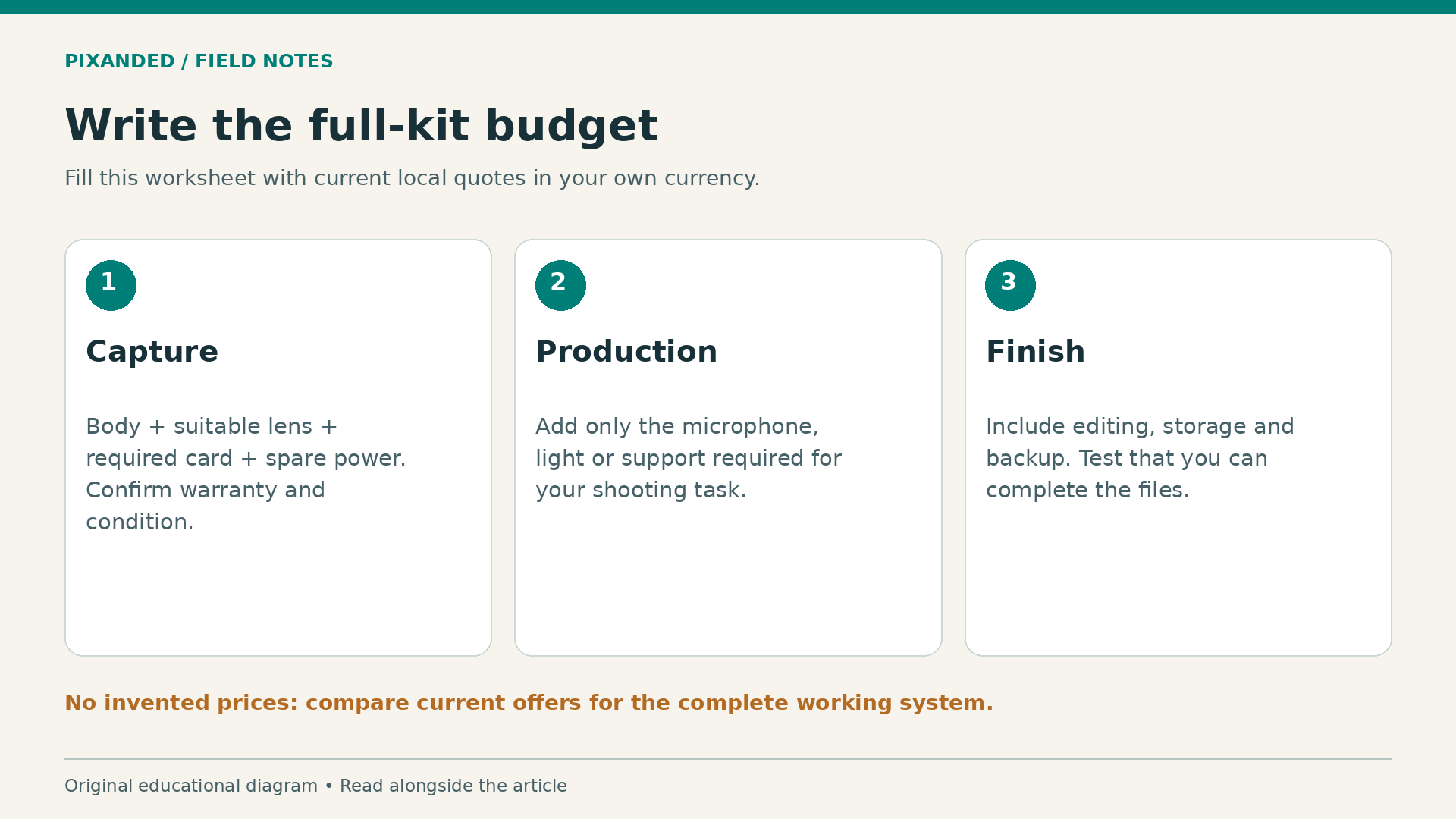
Write down the total cost of getting from purchase to a finished photograph or video. Include the body, suitable lens, memory card, spare power, carrying protection and any required editing or storage changes. For video, add the microphone or support you actually need.
Use current local quotes instead of copying another region’s launch price. Keep tax, warranty, delivery and used-condition differences visible. Two similarly priced listings may offer different accessories or protections. Confirm exactly what is included.
The following worksheet is deliberately unpriced. Fill it with actual offers in your currency rather than treating invented estimates as a buying recommendation.
| Budget item | What to record | Why it matters |
|---|---|---|
| Camera body | Local quote, warranty and condition | Establishes the real starting cost |
| First suitable lens | Model, focal range and price | Determines which subjects you can cover |
| Card and power | Required card specification and spare power | Keeps the kit usable for your sessions |
| Audio or support | Only items required by your shooting task | Can improve results more than a body upgrade |
| Editing and backup | Storage and workflow needs | Turns captured files into reliable deliverables |
Compare the full system with keeping your current camera and addressing its weakest part. A better lens, a modest light or an audio improvement may solve the actual problem for less money. That comparison should use your own limitations, not a blanket claim that everyone should avoid an upgrade.
A practical try-before-you-buy session
If a store, rental service or owner lets you test the camera, bring a clear shot list. Include a static low-light subject, a moving person, a focus-selection task and a short video clip if you need hybrid use. Ask before recording people and respect the location’s rules.
Hold the complete kit for several minutes. Check the grip, access to important controls and whether the lens changes the balance. Select a focus point repeatedly and see whether the control layout feels useful to you. Comfort during real use is more informative than body weight alone.
Review the files on a suitable screen, not only the rear display. Check whether the main subject is sharp, whether the exposure is recoverable enough for your normal editing and whether the video imports into your existing workflow. Do not draw broad conclusions from a single unfamiliar setup.
Repeat the same small task with your current equipment when practical. Keep the lighting, subject and framing similar. Write down the specific improvement you saw and the extra cost required to obtain it. That note gives you a defensible reason to buy—or to wait.
Frequently asked questions
Is the R8 Mark II automatically the best beginner camera?
No single body is the best fit for every beginner. Match the complete kit to your subjects, budget, carrying needs and ability to finish the files. Try the handling before committing if possible.
Will stabilization fix blurry photographs of moving people?
It addresses camera movement, not the subject’s movement. You still need an appropriate shutter speed, focus approach and exposure for the scene.
Should an original R8 owner upgrade?
Identify a recurring limitation first. If your current camera already handles your work, a newer body may provide little practical benefit. Test the particular change you need before paying for it.
Is this a review based on testing?
No. It explains confirmed manufacturer information and provides an original buying framework. We have not claimed measured image quality, autofocus performance or real-world endurance.
Your next step
Inspect ten recent photographs that disappointed you. Sort the failures into motion, focus, exposure, framing or equipment limits. If the same body limitation appears repeatedly, test whether the R8 Mark II addresses it. Buy around the result you need, with enough budget left for the lens and workflow that make it possible.