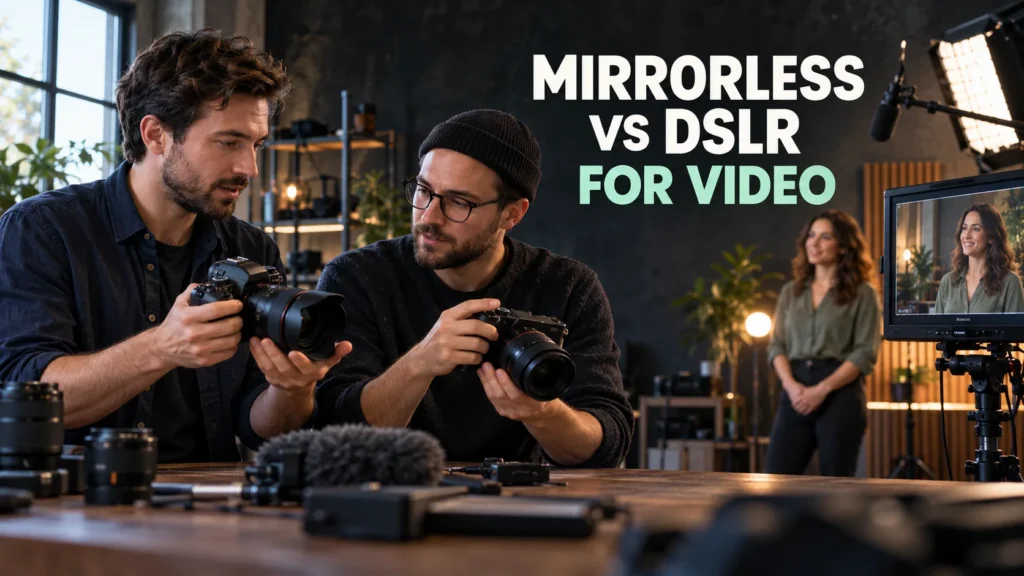
Mirrorless vs DSLR for video ? a quick answer: If you are buying your first interchangeable-lens camera mainly for video, compare current mirrorless models first. They offer video-oriented choices across several lens systems. If you already own a capable DSLR and compatible lenses, test that kit against your actual assignments before spending again. A DSLR such as the Canon EOS 90D or Nikon D780 can record useful 4K footage and provide on-sensor autofocus in live view. A category label alone cannot tell you whether a camera will focus reliably, frame a room, record clean sound or finish a long take.
Research checked: 26 September 2026. This is a manufacturer-source comparison, not a hands-on test. Pixanded has not measured autofocus hit rate, rolling shutter, overheating or image quality for the models below. The recommendations are editorial inferences from published specifications and the proposed workflow test. Check firmware, local availability, lens compatibility and the exact recording mode before purchase.
Table of Contents
1. Start with the assignment, not the camera category
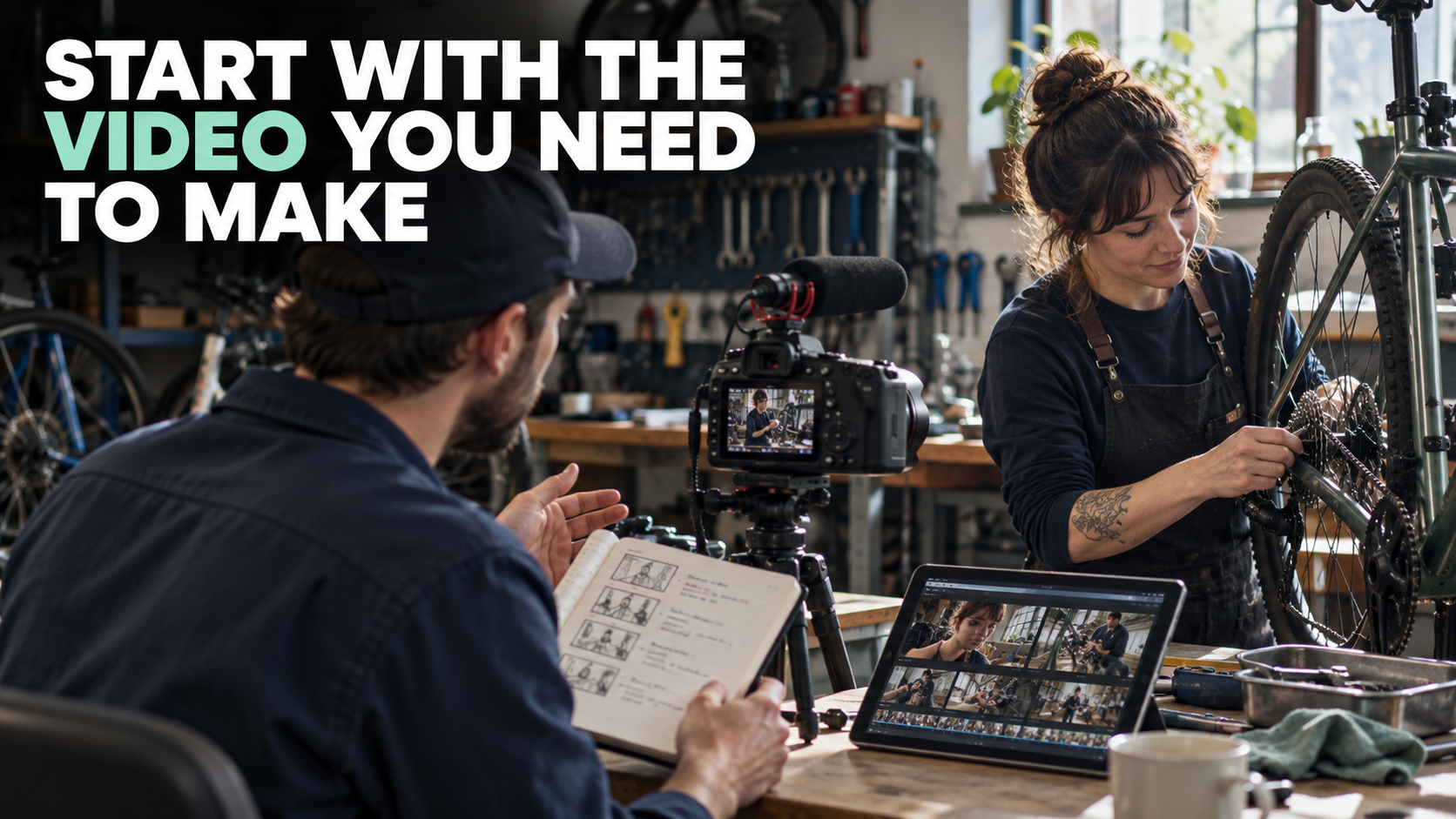
Write a one-sentence description of the video you need to deliver: “A ten-minute seated interview with clean speech,” “a handheld workshop tour,” or “a solo tutorial with frequent movement.” Then list the location, subject motion, final format, typical take length and whether you work alone. These answers tell you what to test.
For a stationary interview, microphone placement, headphone monitoring, lighting, reliable recording and a suitable lens can matter more than a newer body. For a person moving toward the camera, continuous autofocus may become central. For handheld work, handling, lens width and the crop imposed by an electronic stabilization mode may decide whether the shot fits. For long recordings, test power, cards, heat and any per-clip limit under conditions like the actual job.
If you already own a DSLR, film a small version of the assignment with it. The most useful alternative to an unnecessary upgrade may be a microphone, lens, tripod or light that solves the real constraint.
2. What mirrorless and DSLR actually change
A DSLR uses a mirror to direct light to an optical viewfinder for still photography. For video, it operates in live view with the mirror raised and the rear screen showing the sensor image. A mirrorless camera uses the sensor feed for its screen or electronic viewfinder. Therefore, compare video-mode behavior, not the still-photo autofocus system seen through a DSLR optical finder.
The lens ecosystem matters just as much. Canon’s EOS 90D accepts EF and EF-S lenses; the EOS R50 V uses RF/RF-S lenses, with compatible EF/EF-S lenses requiring Canon’s EF–EOS R adapter. Nikon’s D780 is an F-mount DSLR. Sony’s ZV-E10 II uses E-mount lenses. A familiar brand name does not make mounts interchangeable. Verify a particular lens, adapter and autofocus function using the manufacturer’s compatibility guidance before buying.
Size is also a system question. A small mirrorless body plus a large fast zoom may not be lighter in use than a DSLR with a compact lens. Handle the assembled camera, microphone and support you expect to carry.
3. Four exact cameras that expose the trade-offs
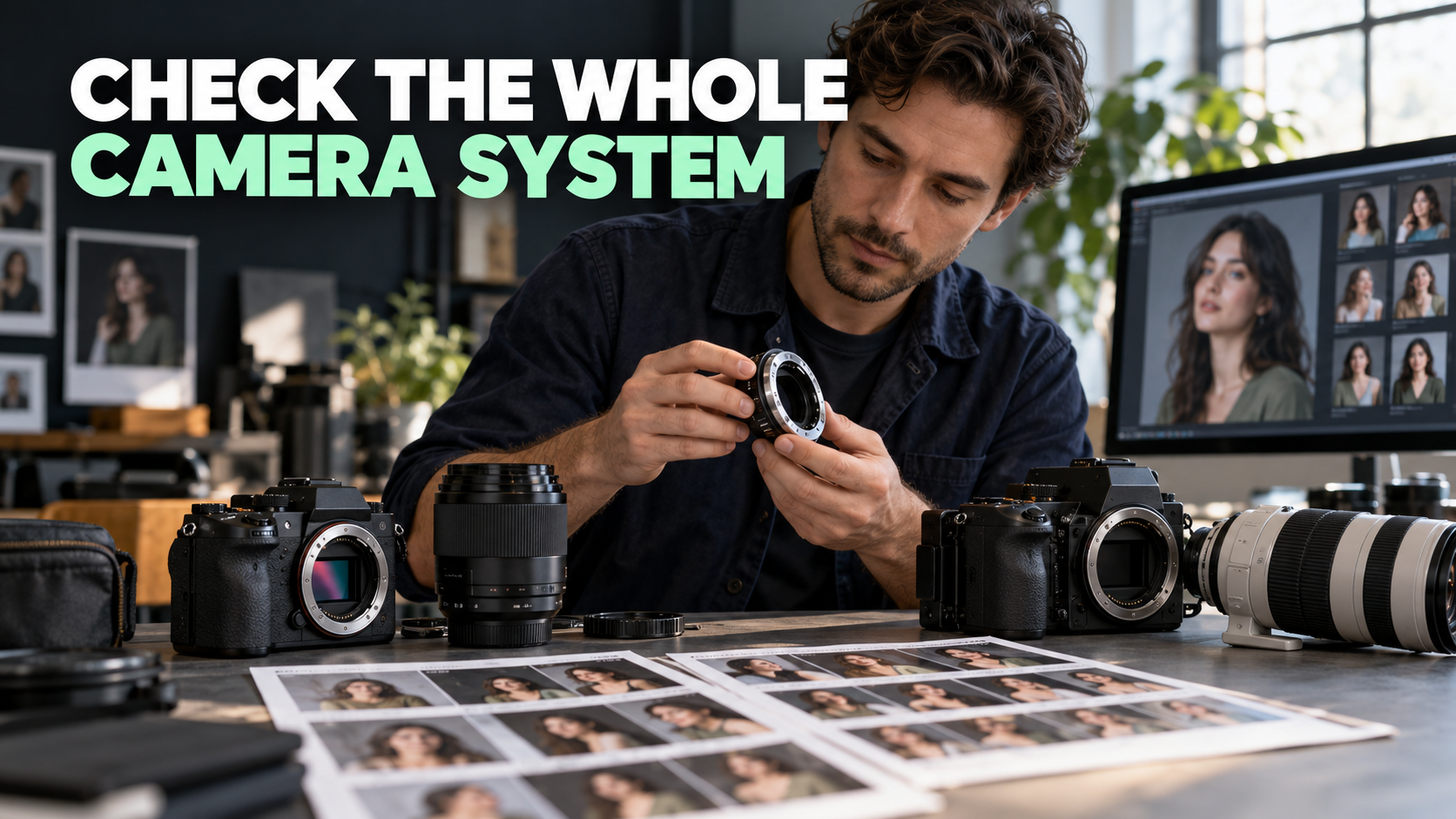
These are illustrative reference models, not ranked winners. The two mirrorless models demonstrate current video-first options; the two DSLRs show why “DSLR cannot do video” is false. They occupy different sensor formats and price brackets, so do not treat this table as a controlled head-to-head image-quality test. Specifications are based on the linked manufacturer pages.
| Camera and system | Verified video and focus baseline | Audio and stabilization check | What this example teaches |
|---|---|---|---|
| Canon EOS R50 V — APS-C mirrorless, RF mount | 4K up to approximately 30p in its standard mode; 4K 50/60p uses a cropped mode. Canon lists Dual Pixel CMOS AF II and 10-bit recording options. | 3.5mm mic and headphone terminals. No in-body sensor-shift stabilization; evaluate lens IS, Movie Digital IS and crop for your shot. | Video-focused functions do not erase framing and stabilization trade-offs. Canon specifications. |
| Sony ZV-E10 II — APS-C mirrorless, E mount | 4K up to 60p and 10-bit 4:2:2 internal options, with settings and media requirements to check. | 3.5mm mic and headphone terminals. Sony lists Active electronic stabilization, which changes the framing; test lens stabilization and the selected mode. | A small video body offers strong format and audio choices, but crop, lens and card decisions still matter. Sony product page. |
| Canon EOS 90D — APS-C DSLR, EF/EF-S mount | 4K up to 30p from an uncropped 16:9 sensor area; Dual Pixel CMOS AF is used for live-view video. | 3.5mm mic and headphone terminals; test lens IS or digital stabilization for handheld work. | A DSLR can be a practical solo-video tool when the kit already fits the assignment. Canon video guide. |
| Nikon D780 — full-frame DSLR, F mount | 4K UHD up to 30p; Nikon specifies 273-point phase-detection AF in live view and video. | Mic input and headphone output; check lens VR, electronic VR settings and the selected frame rate. | A capable DSLR can retain value for a hybrid photographer with F-mount lenses. Nikon specifications. |
The table establishes capabilities, not a measured winner. A “4K” label does not tell you whether that mode crops, what bit depth is available, how focus behaves with your lens, how long the camera runs, or whether the files fit your computer. Open the exact product manual for the recording mode you intend to use.
4. Autofocus: test the subject and the lens together
“Mirrorless autofocus is better” is too broad. The EOS 90D uses Canon’s Dual Pixel system for video; the D780 has on-sensor phase detection in live view. The EOS R50 V and ZV-E10 II offer their own subject-tracking systems. None of those facts guarantees a particular hit rate for your moving subject, lighting or lens. Canon explains the EOS 90D’s video AF; Nikon describes the D780 live-view system.
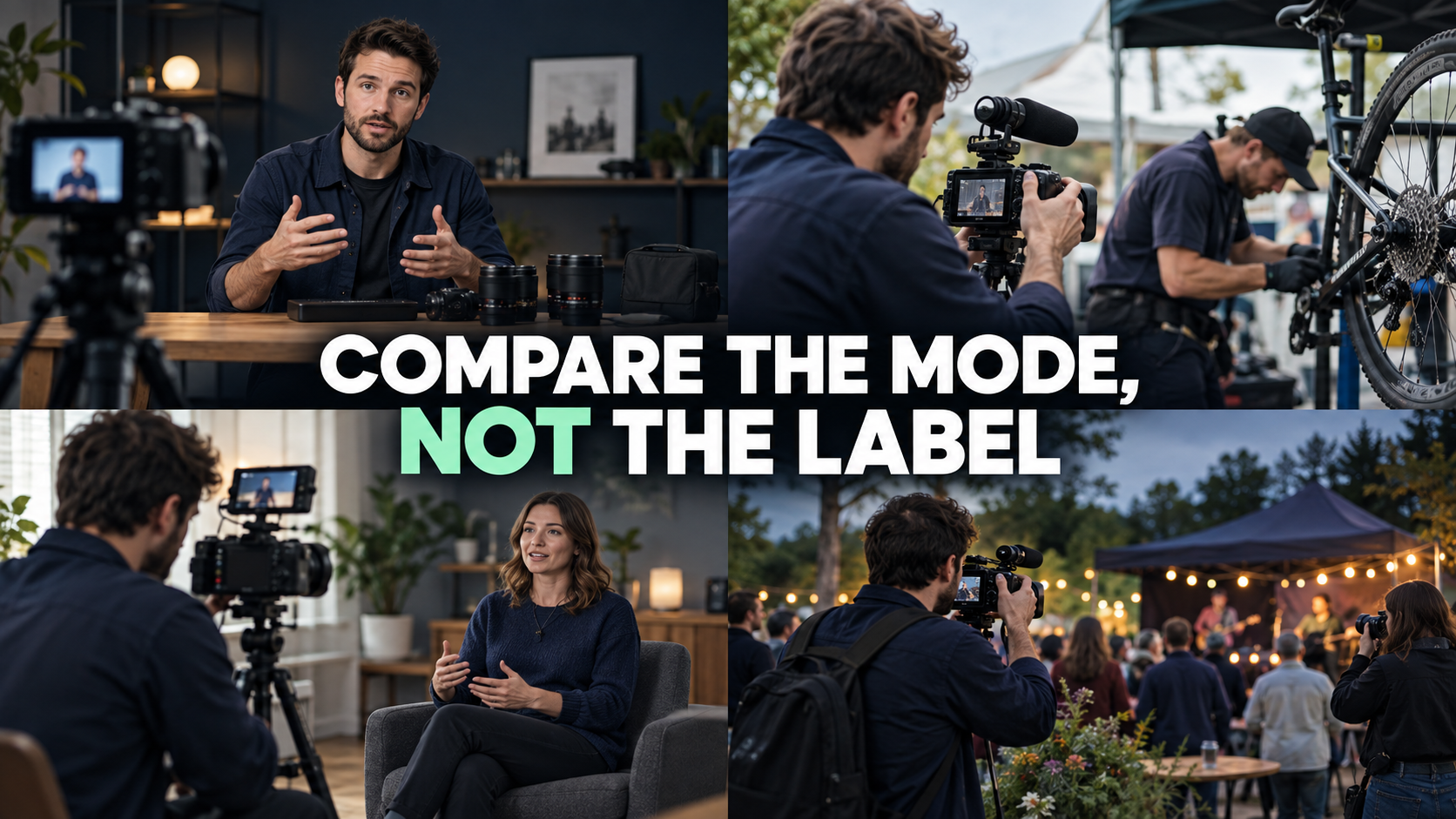
Run a practical focus test: film a person walking toward the camera, turning sideways, briefly leaving frame and returning. Repeat with the intended lens, focal length, aperture and recording mode. Review the exported file at normal speed and at full resolution. Count the unusable moments. If the assignment is a locked interview, manual focus on a seated subject may be a perfectly sensible choice.
5. Recording mode, framing and editing workload
A camera’s headline frame rate is only the start. The EOS R50 V’s higher-frame-rate 4K setting uses a cropped mode; Sony’s Active electronic stabilization also changes the field of view. Canon’s EOS 90D records uncropped 4K from a 16:9 sensor area, while the D780 records full-frame 4K up to 30p. These examples show why a single “4K versus 4K” row is inadequate. Canon R50 V modes · Canon EOS 90D video guide · Nikon D780 overview.
Stand where the actual shoot will happen and check whether a person, hands and workspace fit within the frame in the selected mode. Then record a short clip and edit it on the computer you actually use. Higher bit depth or a more demanding codec is useful only when the delivery and editing workflow benefits from it; confirm supported cards, storage and export settings. Do not infer low-light performance from “mirrorless” or “DSLR.” Lens aperture, sensor, exposure and processing determine the result for a particular scene.
Rolling shutter, heat behavior and uninterrupted recording are especially important for pans or long sessions. Manufacturer limits provide a starting point, but an assignment-length trial is better evidence for your own environment. Bring a power and card plan; do not rely on a still-photo battery rating as a video-runtime promise.
6. Audio, stabilization and handling
For an interview or tutorial, an external microphone near the speaker usually changes the result more than switching camera categories. The four illustrated bodies have external-mic and headphone options according to their manufacturers. Test both the input level and what the headphones actually monitor, then play the recorded file back. A microphone mounted far from the speaker does not solve room noise.
Stabilization is also mode- and lens-specific. An unstabilized body may work beautifully on a tripod. For walking footage, test the camera with your actual lens, any optical or electronic stabilization and the widest framing you need. Watch for crop, warped edges and abrupt movement. A tripod, monopod or controlled movement can be more reliable than assuming a digital mode will repair shaky capture.
Make one complete take with your normal rig. Can you reach record, change exposure, monitor audio, swap the battery and operate the screen without disrupting the shot? The best body on a specification sheet can still be the wrong working tool for a solo operator.
7. A decision matrix for four common situations
| Your situation | Best next action | What must pass before purchase |
|---|---|---|
| You own a DSLR and lenses that already fit the job | Keep using it while you test the specific missing capability. | Focus reliability, audio, take length and delivery quality on a real assignment. |
| You are buying a first camera mainly for solo video | Compare current mirrorless kits, including lens and sound cost. | Your room fits in the chosen recording mode; controls, audio and editing workflow work for you. |
| You shoot long interviews or events | Prioritize dependable recording, power, monitoring and backup. | Full-length trial in expected temperature and card format; audio and file integrity checked. |
| You shoot both photographs and video with an existing lens collection | Compare total system cost and the benefits of reusing lenses, with verified adapter behavior where relevant. | Specific lens compatibility and video AF, balance and intended still-photo features. |
Editorial inference: A first-time video buyer will often find a current mirrorless kit easier to configure around video needs, but an existing DSLR kit can be the more sensible purchase decision when it already passes the job. Neither statement promises a better-looking final film.
8. A repeatable 30-minute camera test
Use the same short assignment for each available camera or rental. This is a test plan, not a claim that Pixanded has performed it.
- Write the deliverable: for example, a 60-second workshop profile with one spoken line, a moving action and a wide establishing shot.
- Match the task: choose lenses that give a similar field of view, the intended frame rate and resolution, comparable exposure and the same external microphone position. Record the exact settings; identical numbers do not guarantee identical images.
- Capture three clips: a stationary interview, a subject approaching and leaving the frame, and a handheld or supported walk through the location. Include one take as long as your normal assignment requires.
- Check files: review focus misses, framing after crop, speech clarity, handling, rolling-shutter effects and whether the camera completed the take.
- Edit and export: complete the same 60-second piece from each set of files. Note storage, edit speed and any unexpected format problem.
- Decide by constraint: write which result failed and what change would solve it. If both pass, compare full kit costs and the lenses you already own before replacing a working system.
A simple scorecard is enough: Requirement / Passed? / Evidence from clip / Cost to fix. Record observable failures instead of scoring a category on reputation.
9. Buying and upgrade checklist
Before ordering, verify the exact model name, mount, lens and adapter. Read the manufacturer’s video-mode table for resolution, crop, frame rate, bit depth, recording duration and media needs. Confirm mic and headphone connections, screen operation and power options. Check the assembled rig’s weight and the return policy in your region.
Budget for the complete usable kit: lens with the needed field of view, microphone, headphones, support, batteries or power, cards and storage. If buying used, inspect sensor, ports, mount, screen, recording operation and return terms. Current price and availability vary by region and date, so this guide does not prescribe a universal budget or store.
If a new camera is the right move, the beginner camera guide helps you compare photography-first needs; the YouTube budget camera guide focuses on creator workflows. Use their model-specific checks rather than treating either list as a substitute for your own trial.
10. Frequently asked questions
Is mirrorless always better than DSLR for video?
No. Modern mirrorless systems often offer video-oriented choices, but a DSLR such as the EOS 90D or D780 can meet a specific brief. Compare the actual camera, lens, mode and assignment.
Can I use a DSLR’s optical viewfinder while recording video?
Ordinary DSLR video uses live view with the mirror raised, so you compose on the screen rather than through the optical finder. Check the exact camera and any external monitoring setup.
Is an existing DSLR worth keeping for video?
Yes, if its footage, focus, sound and recording reliability meet your delivery requirements. Test a real project before replacing a body solely because of its category.
Does a mirrorless camera guarantee better autofocus?
No. Autofocus behavior varies by model, lens, subject and recording mode. Film your intended motion and review the exported result.
Do I need in-body stabilization?
Not for a tripod-based interview. For handheld work, evaluate lens stabilization, electronic modes and the framing crop. Test the complete rig before treating any one feature as essential.
Which should a beginner buy in 2026?
For a first camera mainly for video, compare current mirrorless kits and total lens/audio costs. For a beginner who already has a functioning DSLR, test that kit first. The right answer follows the assignment and budget rather than the body label.
This is a research-based guide. The reference models are examples, not sponsored rankings or hands-on test results.