Do you really know camera metering modes?
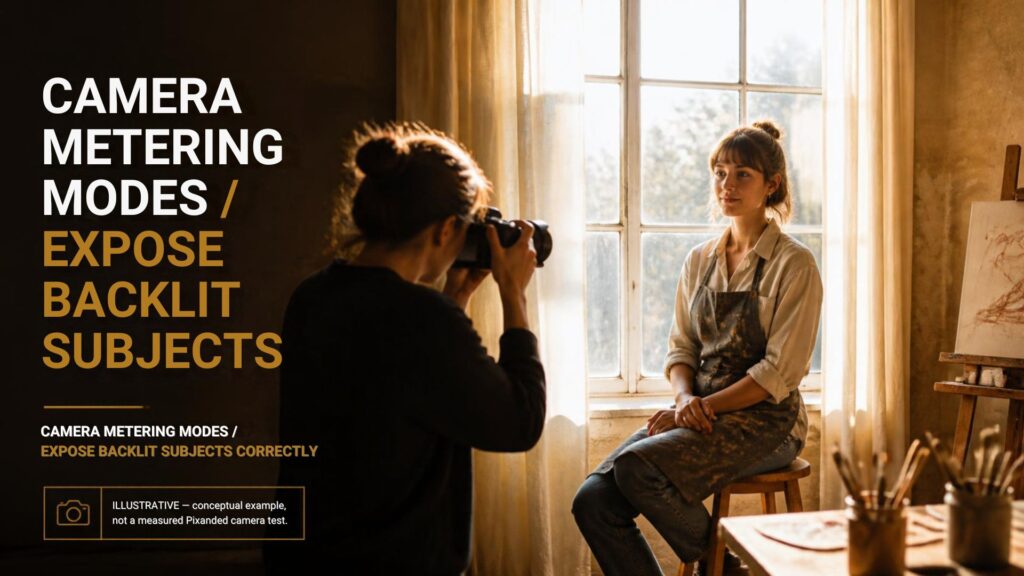
A backlit portrait can look bright on the camera screen while the person’s face is much too dark. Changing the metering mode changes which parts of the scene influence the camera’s exposure recommendation. It does not reduce the difference in brightness between the face and the background.
Start by deciding what needs detail. Then choose a meter reading, make an exposure, and check the result. This guide gives you a six-frame exercise you can repeat with your own camera.
Table of Contents
1. What the camera meter is deciding
A reflected-light meter evaluates light returning from the scene. It cannot know whether a dark jacket should stay dark, a white wall should stay bright, or a face is the main subject. Its recommendation is a starting point that you interpret.
Metering is separate from autofocus. A focus point tells the camera where to focus; whether it also controls the spot-meter position depends on the camera and its settings. Do not assume that moving the focus point always moves the meter.
In an automatic exposure mode, the camera uses the reading to select one or more exposure settings. In manual exposure with fixed ISO, you normally choose those settings yourself and use the meter as a reference.
2. The main camera metering modes
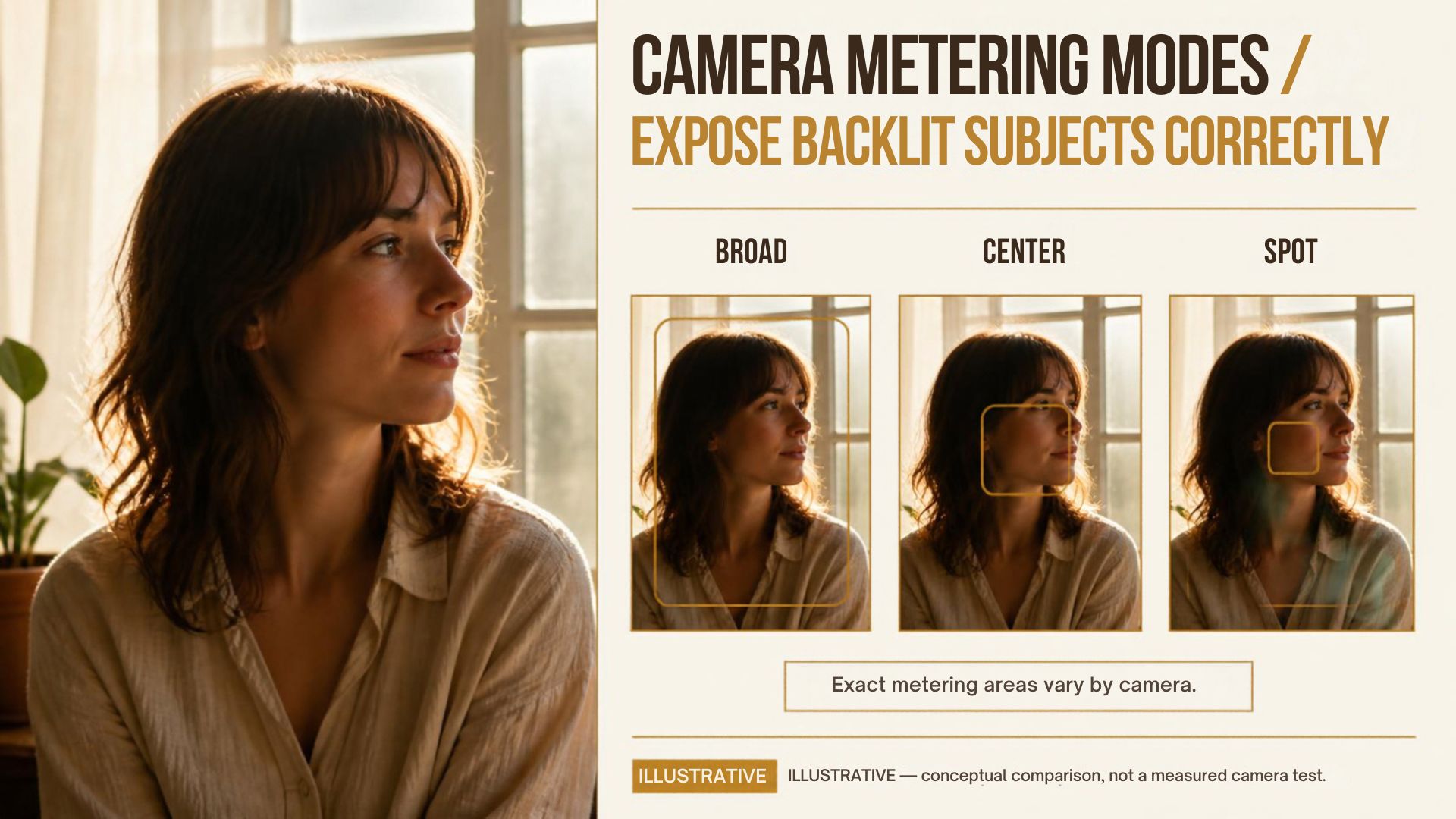
Manufacturers use different names and implementations. Nikon’s Z9 metering documentation, for example, distinguishes matrix, center-weighted, spot and highlight-weighted metering. Your camera may offer only some of these.
| Mode | What receives attention | Useful starting situation | Check afterward |
|---|---|---|---|
| Evaluative / matrix / multi | A broad area of the frame, interpreted by the camera | General scenes and changing compositions | Whether the important subject is too dark |
| Center-weighted | The central region has more influence | A subject placed near the center | How much bright background remains in the weighted area |
| Spot | A small selected area; location is camera dependent | Comparing a face, clothing or another specific area | Exactly where the spot falls |
| Highlight-weighted, if available | Bright areas receive priority | A scene where retaining bright detail matters | Whether shadow subjects become too dark |
These are choices about the reading, not promises about the final image. A spot reading on a bright forehead can differ from one on a shaded cheek. A broad reading can change when a window occupies more of the composition.
3. Decide what you are willing to lose
For a person beside a bright window, ask whether the view through the window matters. A portrait may work with a bright, featureless window if the face is the priority. An environmental portrait may need recognizable surroundings.
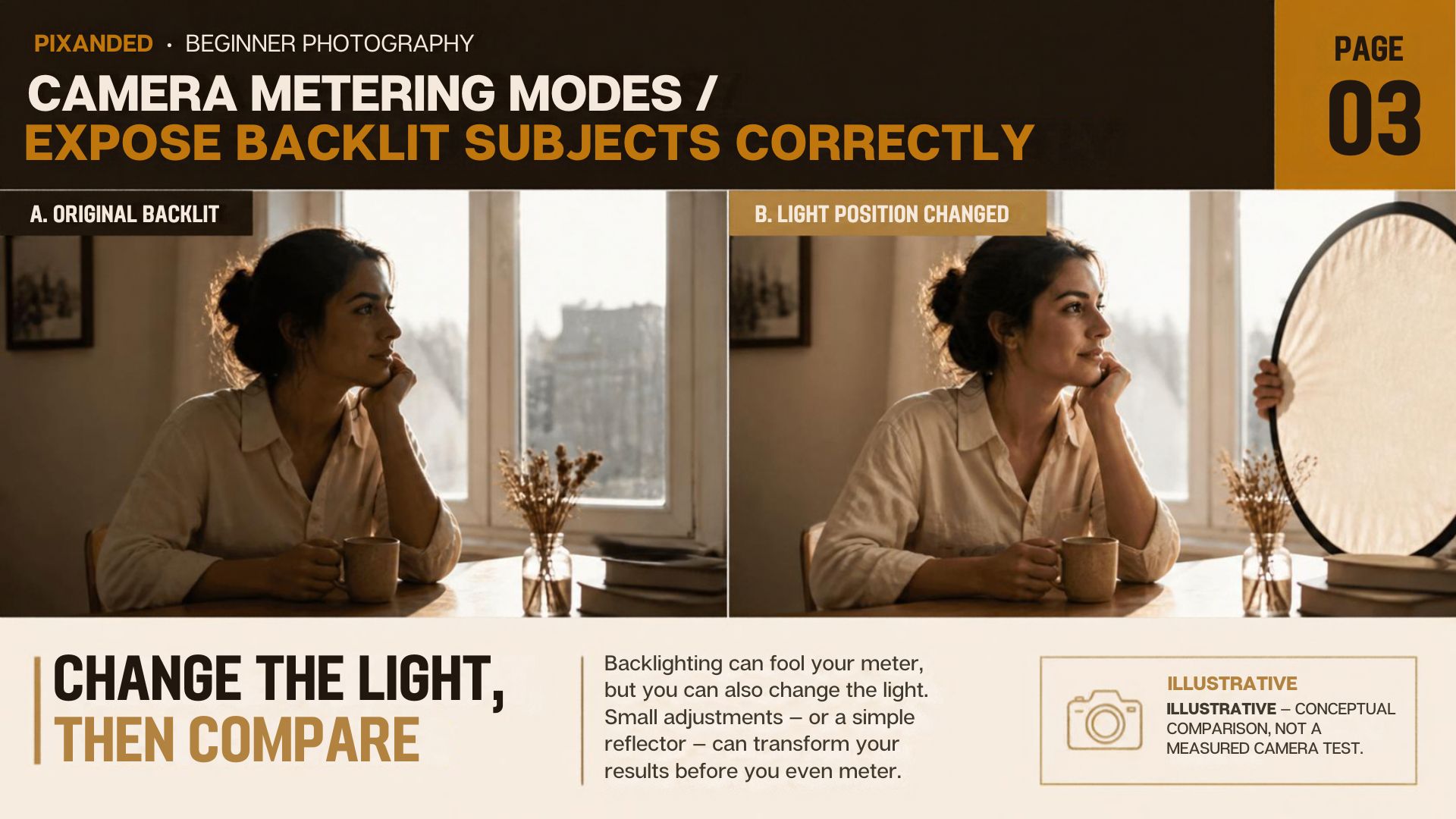
If both are essential and the difference is too large, changing metering modes alone cannot solve the lighting problem. Move the subject, change your camera angle, add suitable fill light, or return at another time. A reflector can redirect available light, but its effect depends on placement and the light reaching it.
Make this decision before trying random compensation values. Otherwise you may keep switching modes while asking the camera to preserve a brightness range the scene does not allow.
4. Use compensation deliberately
Exposure compensation adjusts the camera’s exposure target when the selected mode supports that behavior. Positive compensation generally requests a brighter automatic exposure; negative compensation requests a darker one.
Check which setting your mode is allowed to change. Aperture priority may change shutter speed, which matters if the person moves. Auto ISO behavior and compensation in manual mode vary by camera. With fixed manual settings, turning the compensation dial may change the meter reference without changing the captured exposure.
Do not memorize a universal compensation number for backlighting. Take a photograph, check the important detail, and make the smallest useful adjustment. If shutter speed becomes too slow for your subject, revise your exposure choices rather than accepting blur to obtain brightness.
5. Repeat this six-frame exercise
Choose a consenting adult near a window, with the window visible behind them. Avoid direct sun in the lens. Keep the subject, framing and focus position unchanged. Start in an exposure mode you understand, with a shutter-speed check before each photograph.
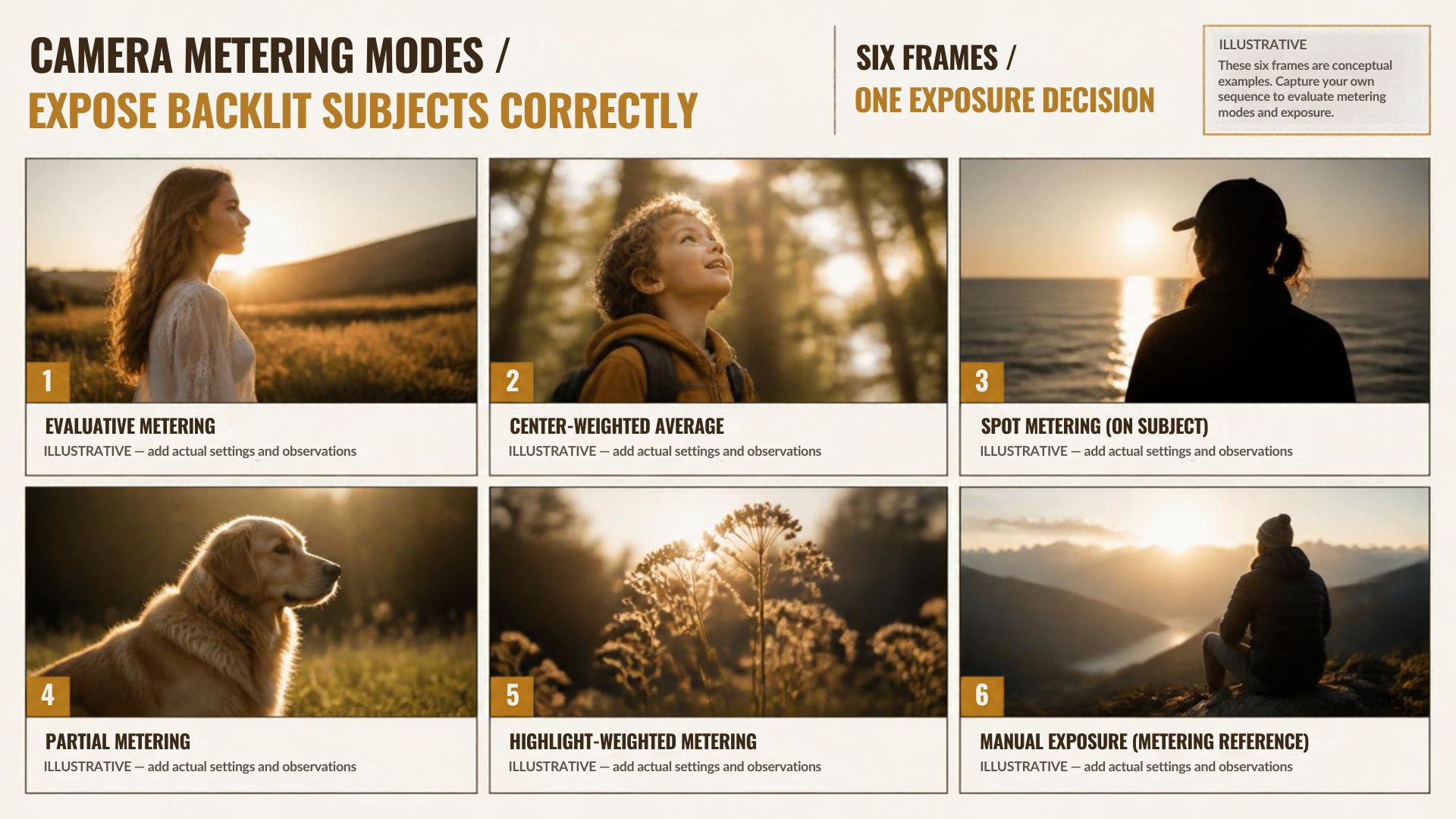
- Make a broad-metering photograph at zero compensation.
- Make a center-weighted photograph at zero compensation.
- Make a spot-metered photograph of a consistent part of the face.
- Return to broad metering and make a modest positive-compensation photograph.
- Adjust again based on the face and highlight warnings, rather than a predetermined target.
- Improve the lighting or angle, then photograph the scene again.
For each frame, record the actual shutter speed, aperture and ISO. Compensation values alone do not tell you what changed. Inspect face detail at a useful magnification, motion blur, and any important bright areas.
| Frame | Metering / compensation | Actual settings | Face detail | Important highlight detail | Decision |
|---|---|---|---|---|---|
| 1–3 | Different metering modes | Record shutter, aperture, ISO | Acceptable / too dark / too bright | Retained / lost | Which reading is useful? |
| 4–5 | Broad mode with adjustment | Record each change | Compare with frame 1 | Check the cost of brightening | Choose an exposure |
| 6 | Improved lighting or angle | Record the new settings | Compare with the selected frame | Compare the background | Keep the lighting change? |
This is a proposed practice exercise, not a report of measured Pixanded test results. Your useful setting will depend on the scene.
6. Fix the cause you can identify
| Observed problem | Likely next check | Practical action |
|---|---|---|
| Face dark, background bright | Broad reading is influenced by background | Adjust the target or take a more relevant reading |
| Spot readings vary strongly | Spot moves between different tones | Use a consistent reference area |
| Face brighter but blurred | Automatic shutter became slower | Restore a suitable shutter speed and reconsider ISO or lighting |
| Face and background cannot both retain detail | Scene contrast exceeds the chosen capture/rendering | Change lighting or composition |
| Exposure changes when reframing | The meter sees a different balance | Recheck exposure or use an appropriate lock/manual workflow |
When using exposure lock, confirm what it locks and how long the lock remains active. It is helpful only if the lighting and subject remain appropriate for that locked exposure.
7. A short field workflow
Identify the important subject. Decide which highlights must survive. Take a relevant reading. Photograph the scene. Check detail and motion. Adjust one cause at a time.
Once the exposure works, maintain it across a stable sequence rather than chasing every meter movement. Recheck when the light, subject position or intended composition changes.
For related practice, see Dynamic range and scene contrast and Aperture and shutter-speed choices.
FAQs
Which metering mode should a beginner start with?
Broad evaluative, matrix or multi metering is a reasonable general starting point. Review the important subject and adjust when the camera’s interpretation does not match your intention.
Does spot metering automatically expose skin correctly?
No. The result depends on the area sampled, its brightness and the exposure you choose. Spot metering gives a focused reading rather than a guaranteed portrait exposure.
Is metering the same as autofocus?
No. They perform different jobs. Some cameras connect a spot reading to a focus point under certain settings; check your camera manual.
Can exposure compensation fix every backlit portrait?
No. It can change exposure, but it cannot reduce scene contrast or add light to the face. Some scenes need a lighting or composition change.
Should I always preserve the brightest background?
Only if that detail matters to the photograph. A deliberate bright background can be acceptable; accidental loss of essential detail calls for a different approach.
Camera terminology and supported modes vary. Use your own camera manual to confirm controls and check actual photographs rather than relying on a screen’s apparent brightness.