
A photography or video portfolio should help a visitor understand what you can make, what you contributed and how to contact you. A large collection of unrelated work can make those answers harder to find.
Start with one clear offer and a small selection that supports it. This guide uses a hypothetical flower-shop sample project to show how a concise case study can explain your decisions without inventing clients, testimonials or business results.
Table of Contents
1. Decide what the portfolio needs to explain
Write a sentence describing the work you want to be considered for. For example: “I make clear photographs and short videos that show independent shops and the people behind them.” A visitor should recognize that offer in your selected work.
This does not require hiding every other interest. It means giving the first page a coherent purpose. You can separate a different kind of work into its own section if it has a clear reason to be there.
Identify what a suitable client would need to see: people, useful details, a location, a process or a finished product. Choose work that answers those questions rather than selecting only the photographs with the strongest individual visual effect.
2. Select a small complete group
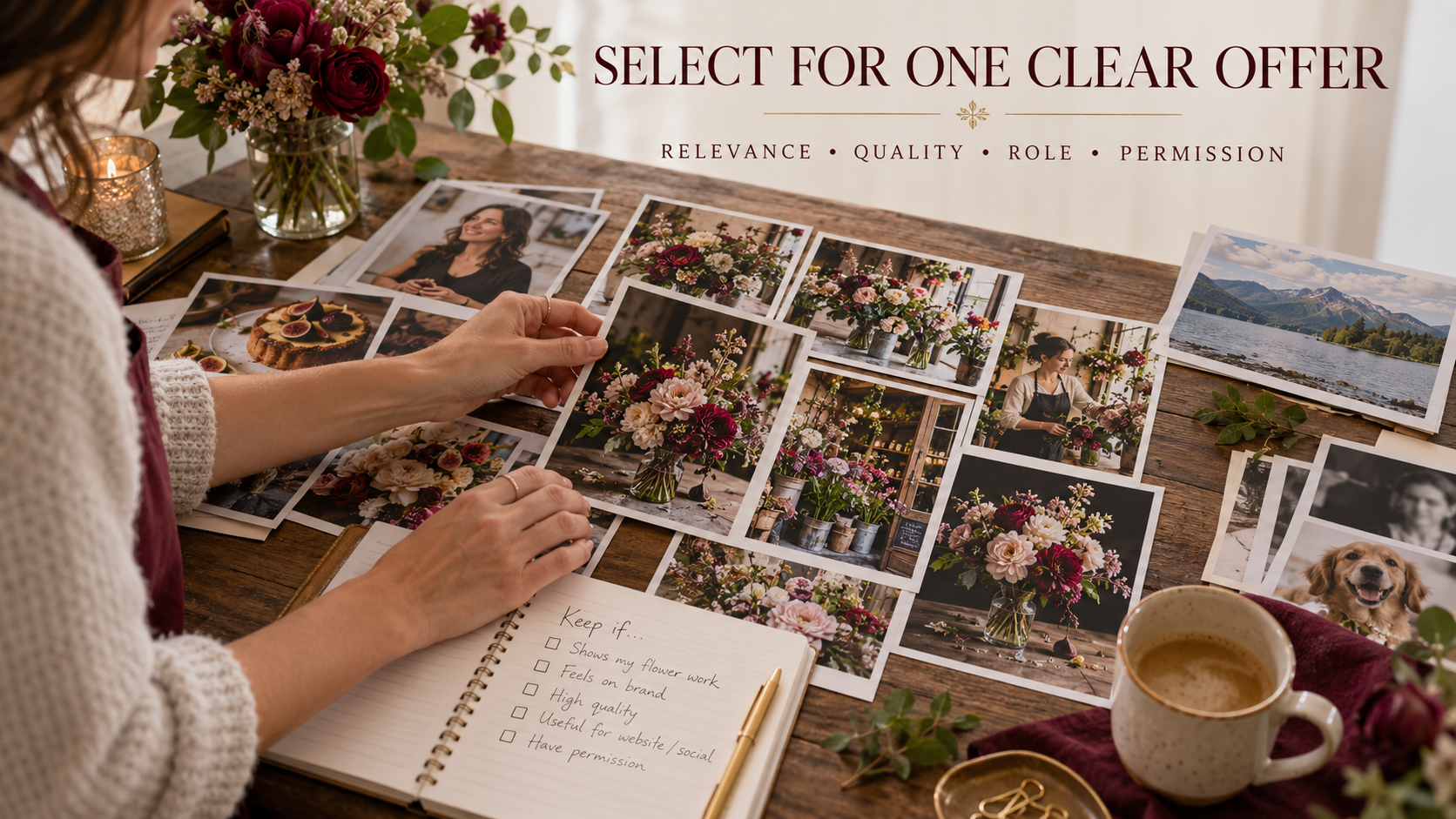
Review your candidates for relevance, execution, your actual role and permission to show them. Remove unnecessary near-duplicates. A visitor gains little from seeing ten versions of the same composition.
For video, present a complete usable edit where possible. A short reel can introduce your work, but it may not show whether you can sustain a sequence, record intelligible sound and deliver a coherent ending.
| Selection question | Evidence to look for | Reason to remove or revise |
|---|---|---|
| Does it support the offer? | A relevant subject and deliverable | Unrelated work distracts from the main purpose |
| Is it technically usable? | Focus, sound, framing and consistent delivery | A defect obscures the intended work |
| Can I explain my contribution? | Clear production or editing role | The visitor could misread who did the work |
| May I show it this way? | Appropriate permission and project scope | Restrictions or private information remain unresolved |
Do not turn this into a rigid points system that pretends to predict bookings. It is a practical selection check. Choose the strongest complete evidence for your intended reader.
3. Label sample work honestly
If you made a personal or self-initiated project, say so. A useful label is “Self-initiated sample project made with the participant’s permission.” Do not imply that a business commissioned you when it did not.
Describe collaborators and your role accurately. If you edited footage recorded by someone else, identify that contribution. If you handled camera and editing while another person recorded sound, explain the division.
For a first sample, use the honest-project workflow. The portfolio page should show the finished evidence and decisions rather than repeating the full outreach lesson.
4. Write a case study that explains the work
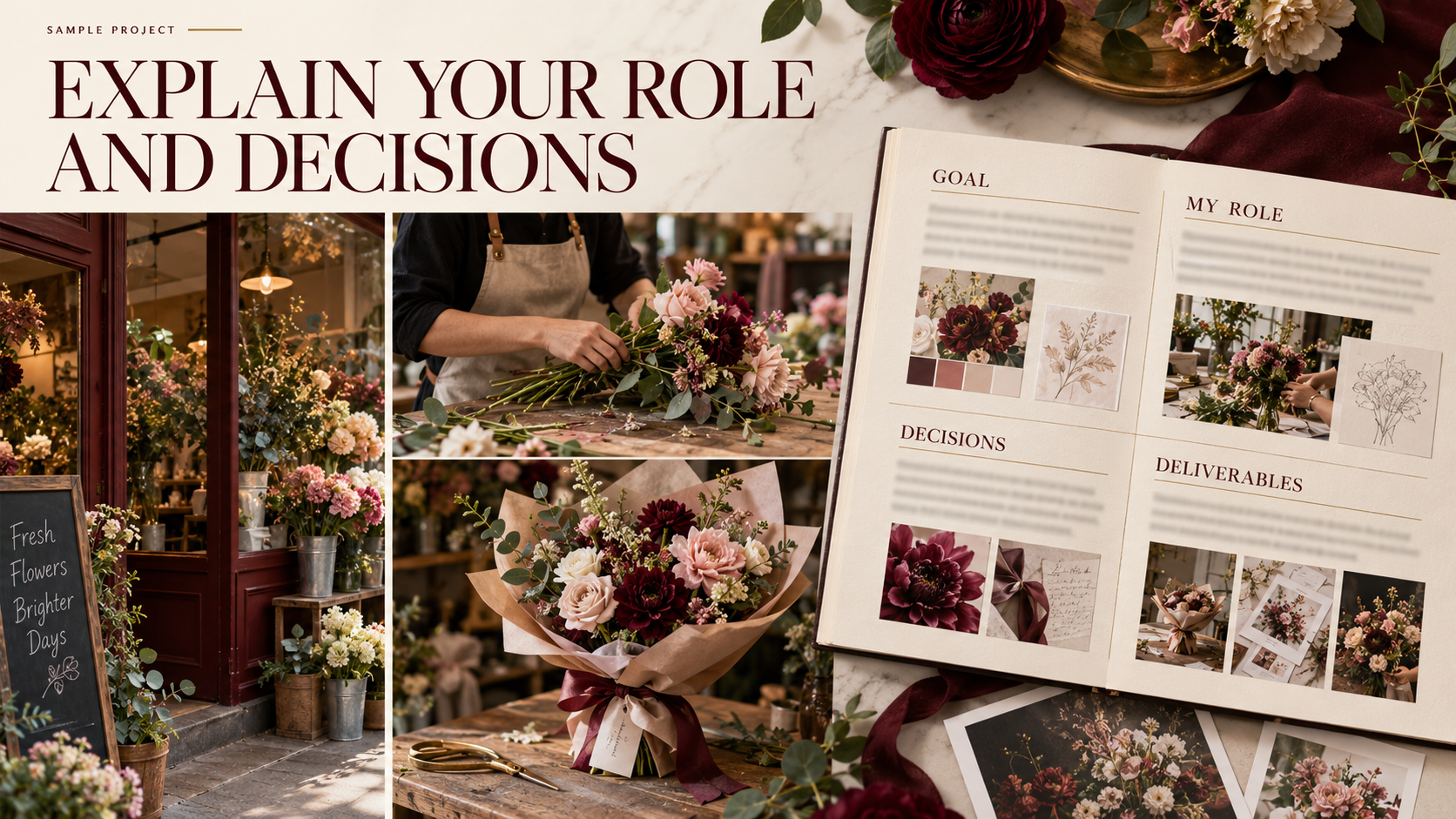
A case study can be brief while still answering useful questions. Explain the goal, your role, the relevant constraint, the decisions and the deliverables. Keep private project information out of the public version.
Here is an illustrative case-study structure for a flower-shop sample. It is not a report of a Pixanded commission:
| Field | Hypothetical example |
|---|---|
| Project status | Self-initiated sample; participant permission confirmed |
| Goal | Show the arrangement process and finished bouquet |
| My role | Planning, camera, selection and editing |
| Constraint | Small working area beside a window |
| Decision | Separate hand-action and detail views; preserve natural sound |
| Deliverables | One short vertical edit and a small selected photo group |
| Review note | Checked framing, title visibility, sound and exported playback |
Replace these entries with facts from your own project. Add an actual client outcome only when you have evidence and permission to describe it. A finished deliverable is valuable evidence even when you cannot claim sales or audience growth.
Turn a list of tasks into a useful explanation
Compare “I shot and edited a florist video” with a more informative project summary: “Self-initiated flower-shop sample. I planned the sequence, filmed the arrangement and edited a short vertical video. The small table limited camera movement, so I used a steady action view and separate detail shots. The finished edit shows the process and completed bouquet.”
The second version explains the status, role, constraint, decision and deliverable. It still makes no claim about a client’s sales or audience growth. Use that structure with facts from your own work rather than copying the example as if the project were yours.
Place the complete finished video near the explanation, followed by a few relevant photographs or frames. A visitor should be able to compare the stated decision with the work. If you explain how sound carries the action, provide a playable example with working audio.
When showing collaborative work, put the credit where a viewer will see it. “Camera and edit by me; sound recorded by another team member” is clearer than a general claim that you “created” everything. Name collaborators only in the way you have agreed with them.
If you cannot show confidential material, select another permitted example or describe your role within the allowed scope. Do not publish private documents merely to make a case study look more detailed. Clear, accurate work is stronger evidence than a longer story you cannot substantiate.
5. Arrange the work for an unfamiliar visitor
Lead with an understandable example, then a relevant selection and a short explanation of what you offer. Make project titles meaningful. “Flower-shop process sample” says more than “Project 07.”
Give the visitor a clear route between the gallery, case study and contact information. Avoid making them search through many pages to discover what you do or how to ask about a project.
Use a website tool you can maintain. Adobe’s Portfolio FAQ, for example, describes galleries and custom pages. Those features can support a useful presentation, but the platform itself does not prove your competence or guarantee enquiries.
Check the practical requirements before choosing a service: media presentation, phone layout, contact method, maintenance and cost. Your existing site may be sufficient if it can present the work clearly.
6. Make the contact step specific
Tell the visitor what information will help you respond: the subject, intended use, deliverables, approximate date and location. Keep the first enquiry manageable; a long compulsory form can be unnecessary before you understand the project.
Use a clear contact button or link and test it. Confirm that the address or form routes to a place you actually monitor. Send a test enquiry and check the received message.
For turning that enquiry into scope, use the photography or video brief guide. Pricing and production decisions belong in the appropriate next conversation rather than being guessed from a gallery view.
7. Run a visitor test
Ask someone unfamiliar with the project to look at the portfolio on a phone. Give them a few tasks without explaining the answers in advance: identify what you offer, find one complete project, describe your role and locate the contact method.
Observe where they hesitate. You do not need to claim that one informal test represents every client. Use it to identify unclear labels, missing information or a contact route that fails.
| Task | What to record | Possible improvement |
|---|---|---|
| Identify the offer | Their description in their own words | Clarify the introductory sentence |
| Find a relevant project | Where they click or scroll | Improve titles and ordering |
| Explain your role | What they believe you did | Add an accurate role statement |
| Make an enquiry | Whether the contact route works | Fix the link or form |
Then inspect the actual media. Check playback, image crops, loading behavior, text legibility and the contact result. A good-looking desktop editor view does not replace checking the public page.

8. Keep the portfolio current
Review the selection when your offer changes or you finish stronger relevant work. Retire examples that misrepresent your current role, permissions or output quality. Preserve source files and project notes separately from the public page.
Track the enquiries you receive and the information people repeatedly need. That can guide improvements, but do not treat a small change in enquiries as proof that one design choice caused it.
A useful portfolio does not need every project you have ever made. It needs credible work, clear context and a working next step.
9. Build a first version you can actually review
Begin with a simple page order: a sentence about your offer, one strong relevant example, a small project selection, a brief introduction to you and a clear contact step. A separate case-study page can hold more context when needed. Visitors should still understand the main offer without opening every project.
For a first review, choose a manageable selection such as three different projects. This is a working limit for the exercise, not an industry rule. Each should contribute different evidence: a complete process, a finished product or work involving a person. If two projects answer the same question, compare their quality and keep the stronger one.
Use descriptive text links or buttons, such as “Watch the bouquet process film” and “Ask about a shop photo session.” Check that the words describe what happens after the click. A vague button can make even a good portfolio harder to navigate.
Give images meaningful alternative text and make visible text readable on a phone. For video, review captions or a transcript where they help visitors understand speech. Check that a visitor can start and stop playback without hunting for controls.
Perform the contact test yourself before asking someone else to review the site. Follow the exact public route, send a clearly marked test enquiry and confirm receipt. Then ask the unfamiliar reviewer to find it without directions. Those two checks answer different questions: whether the route works and whether a visitor can discover it.
At the end, keep a small revision list with the reason for each change: replace a duplicate project, clarify a role credit, repair a contact link or use a better phone crop. Complete those changes and review again. The goal is a credible first presentation that supports an enquiry, not a guarantee of bookings.
FAQs
Can I build a portfolio before getting a paying client?
Yes. Use honest personal or sample projects and label their status and your contribution accurately.
How many projects should I include?
There is no universal number. Begin with enough relevant complete work to explain the offer, and remove repetition that adds little.
Should every project include a business result?
No. Describe verified results where appropriate; otherwise explain the goal, decisions and actual deliverables without inventing an outcome.
Can I show every finished client project?
Check the permission and restrictions for that project before displaying it. Delivery to a client does not automatically answer every public portfolio question.
Is a showreel enough for video work?
It can introduce your work, but at least one complete example can help visitors assess sequencing, sound and delivery.
The flower-shop example is hypothetical. Use your own project facts and permissions when publishing a portfolio.