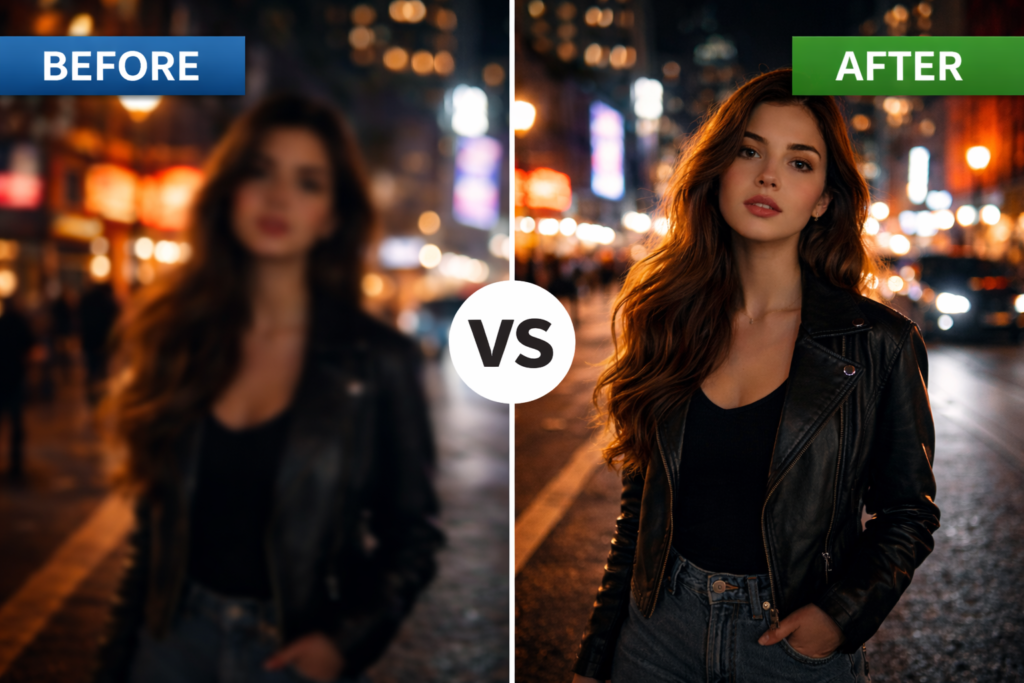
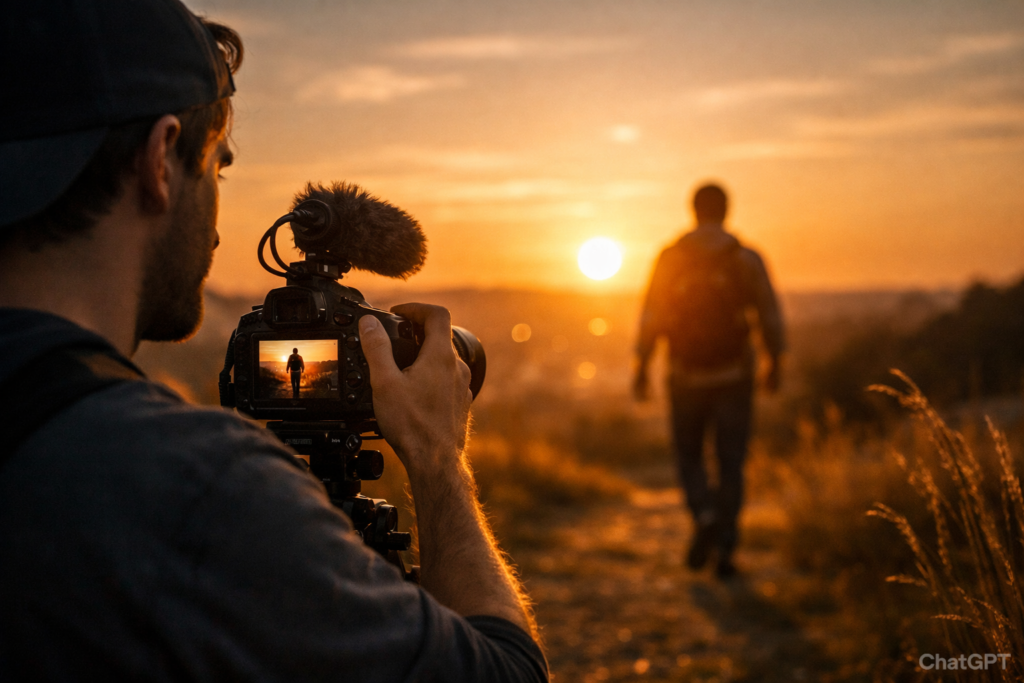
If you’ve ever watched a film and wondered why your footage doesn’t look as “cinematic,” you’re not alone. The truth is, cinematic video isn’t about owning an expensive camera — it’s about understanding lighting, movement, composition, and camera settings.
In this guide, you’ll learn how to film cinematic video with any camera, whether you’re using a DSLR, mirrorless camera, smartphone, or basic entry-level setup. These techniques are practical, beginner-friendly, and immediately applicable.

Table of Contents
What You Need Before Starting
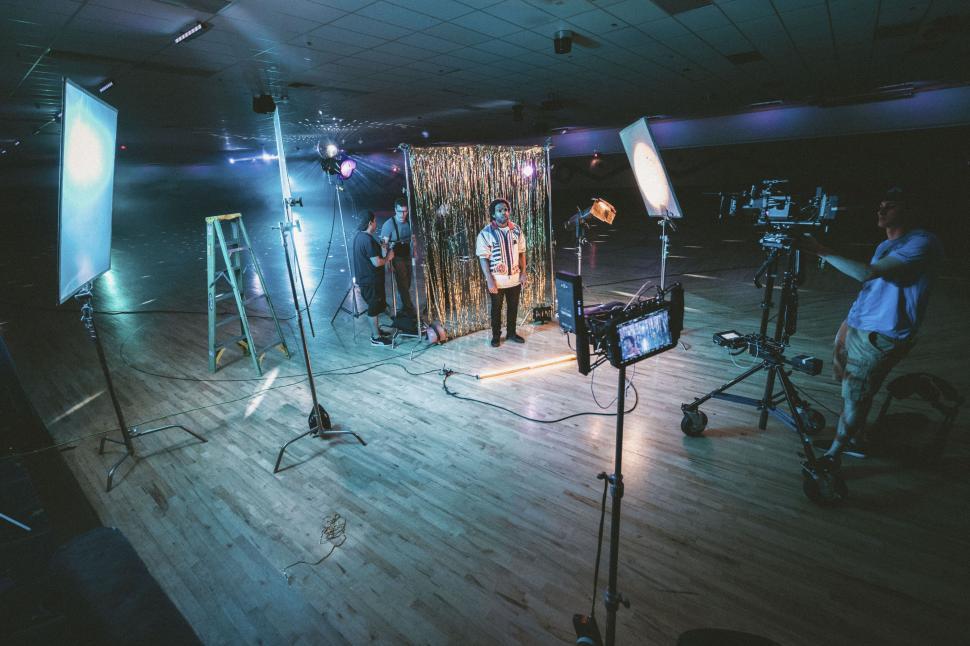
To answer this question of how to film cinematic video with any camera, make sure you have:
- Any camera (DSLR, mirrorless, smartphone)
- A tripod or stable surface
- Natural light or a simple light source
- Basic editing software
- A simple story or subject
You do not need:
- Expensive cinema cameras
- High-end lenses
- Professional studio lighting
What you do need is intention.
Related knowledge:
- Understanding exposure basics
- Knowing frame rate differences
- Basic composition skills
Step-by-Step Process to Film Cinematic Video
This is the core method professionals use.
Step 1: Choose the Right Frame Rate
For cinematic motion:
- Use 24fps (most cinematic look)
- Avoid 60fps unless shooting slow motion
This creates natural motion blur, similar to that in movies.
Step 2: Use the 180-Degree Shutter Rule
Set your shutter speed to:
- Double your frame rate
Example:
- Shooting 24fps → Use 1/48 (or 1/50)
- Shooting 30fps → Use 1/60
This creates proper motion blur and avoids choppy footage.
Step 3: Control Depth of Field

To get cinematic background blur:
- Use a wide aperture (f/1.8 – f/2.8)
- Increase the distance between the subject and the background
If using a smartphone:
- Move closer to the subject
- Increase subject-background separation
This creates visual depth.
To quickly understand depth of field, check out Terry Vander Heiden’s video.
Step 4: Focus on Lighting
Lighting matters more than the camera.
For cinematic lighting:
- Use side lighting (not flat front lighting)
- Shoot during golden hour
- Turn off overhead lights indoors
Soft shadows create dimension.
Step 5: Add Intentional Camera Movement
Avoid random movement.
Instead:
- Slow push-in shots
- Controlled pans
- Handheld with stable posture
- Use slow motion when appropriate
Smooth movement increases production value instantly.
Camera Settings & Workflow Tips
Even if you understand how to film cinematic video with any camera, your settings and workflow determine quality.
Use Manual Mode
Avoid full auto. Control:
- ISO (keep as low as possible)
- Shutter speed
- Aperture
Shoot in Flat Picture Profile (If Available)
This preserves dynamic range and improves the flexibility of color grading.
Keep ISO Low
High ISO introduces noise. If possible:
- Add light instead of raising ISO
Use ND Filters Outdoors
To maintain shutter speed and a wide aperture in bright daylight, ND filters are extremely helpful.
Real-World Mistakes to Avoid
Most beginners make these errors:
1. Overusing Slow Motion
Slow motion should enhance emotion — not replace storytelling.
2. Ignoring Story
A cinematic look without purpose feels empty.
3. Shaky Footage
If you don’t have a gimbal:
- Use a tripod
- Brace against the walls
- Bend your knees while walking
4. Overexposed Highlights
Protect highlights — blown-out skies ruin footage.
5. Poor Audio
Even cinematic visuals fail if the audio is bad.
Pro Tips to Improve Results
Add Foreground Elements
Shoot through objects:
- Door frames
- Plants
- Windows
Creates a layered composition.
Use Leading Lines
Guide the viewer’s eye naturally.
Color Grade Thoughtfully

- Lower highlights
- Slightly lift shadows
- Add subtle contrast
- Warm skin tones slightly
Shoot With Intention
Ask:
- What emotion should this scene convey?
- Where should the viewer look?
What makes a video look cinematic?
Proper frame rate, motion blur, lighting direction, depth, and controlled movement create a cinematic look.
Can I film a cinematic video with a phone?
Yes. Focus on lighting, composition, and stability. Modern smartphones are capable of high-quality cinematic footage.
Is 24fps necessary for cinematic video?
It’s highly recommended because it creates natural motion blur, similar to that in movies.
Do I need expensive gear?
No. Technique matters more than equipment.
Conclusion
Now you understand how to film cinematic video with any camera. The key isn’t gear — it’s control, intention, and lighting.
Start applying:
- 24fps
- 180-degree shutter rule
- Intentional lighting
- Controlled movement
Master these fundamentals, and your videos will instantly look more cinematic.
If you’re building your skills, continue learning exposure fundamentals and gear basics to refine your results even further.
Your camera is ready. Now it’s about execution.
At Pixanded, you can also see:
From Learn:
- What Is ISO in Photography? A Beginner-Friendly Explanation
- Aperture vs Shutter Speed: How They Affect Your Photos